Spatial audio
Every voice,
in its place.
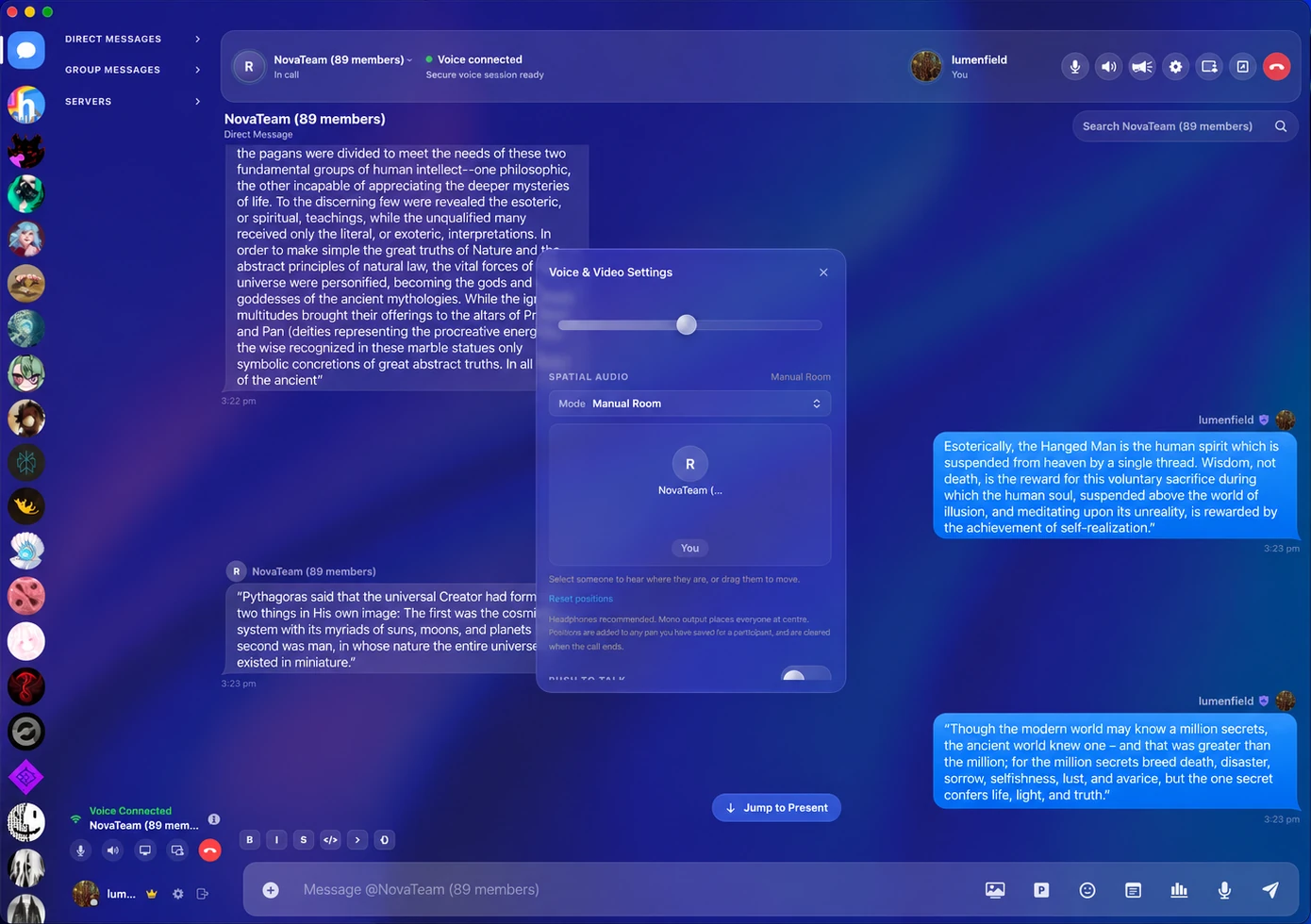
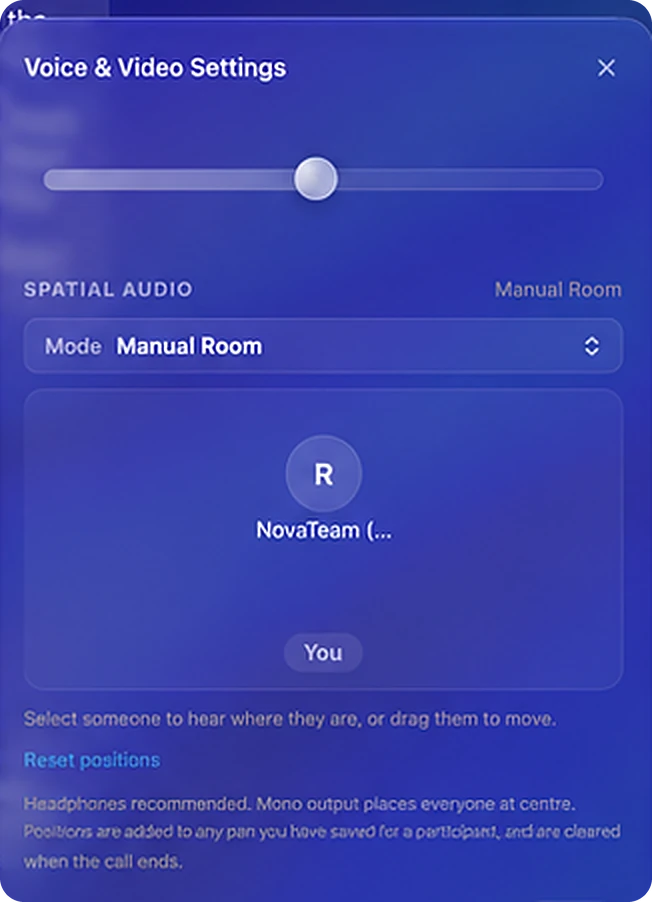
Open Voice & Video during a call, set Spatial Audio to Manual Room and drag people to wherever you want to hear them. Put your headphones on and the call surrounds you.
OptiCord puts your Discord account in a native Mac app. Everything Discord does, plus live translation, drawing on screen shares, spatial audio and all of Pinterest. Nothing else on the Mac comes close.
Golden Gate
Spatial audio
Open Voice & Video during a call, set Spatial Audio to Manual Room and drag people to wherever you want to hear them. Put your headphones on and the call surrounds you.
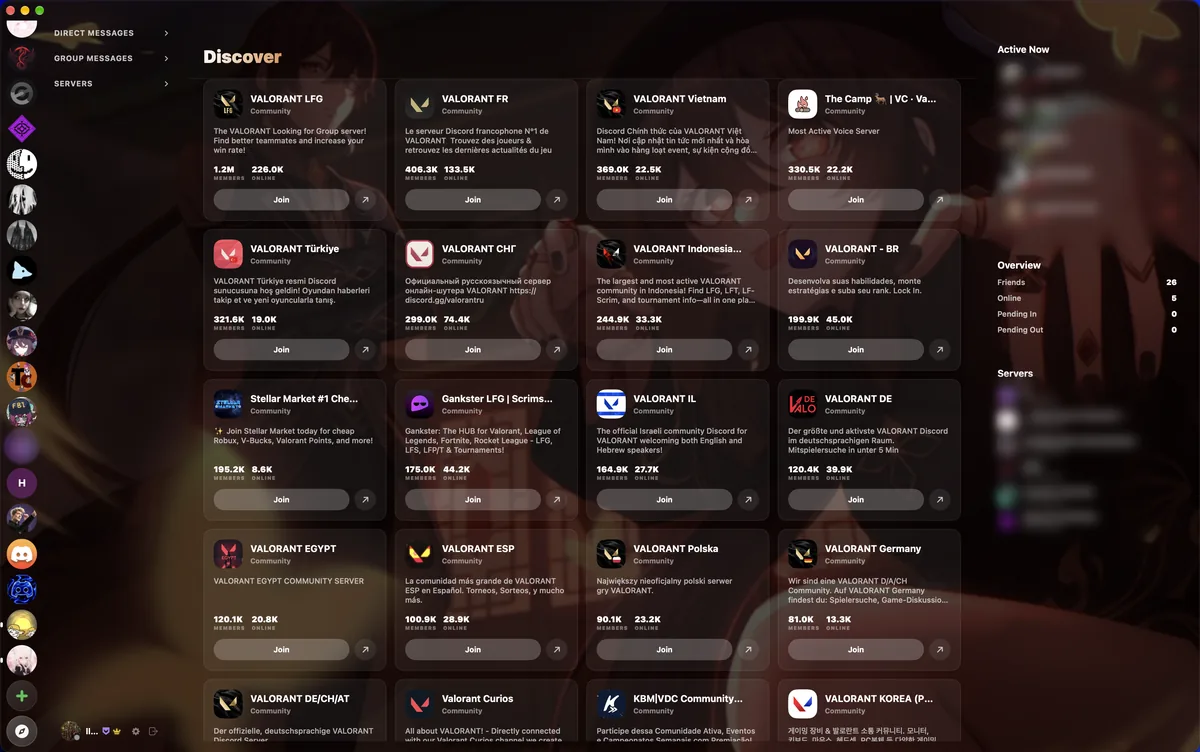
Discover
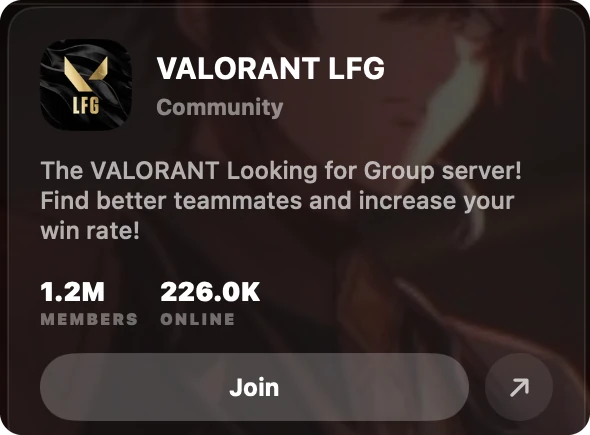
Browse public communities without leaving the app. Every card shows its members and who's online right now, and Join is one click away.
Themes
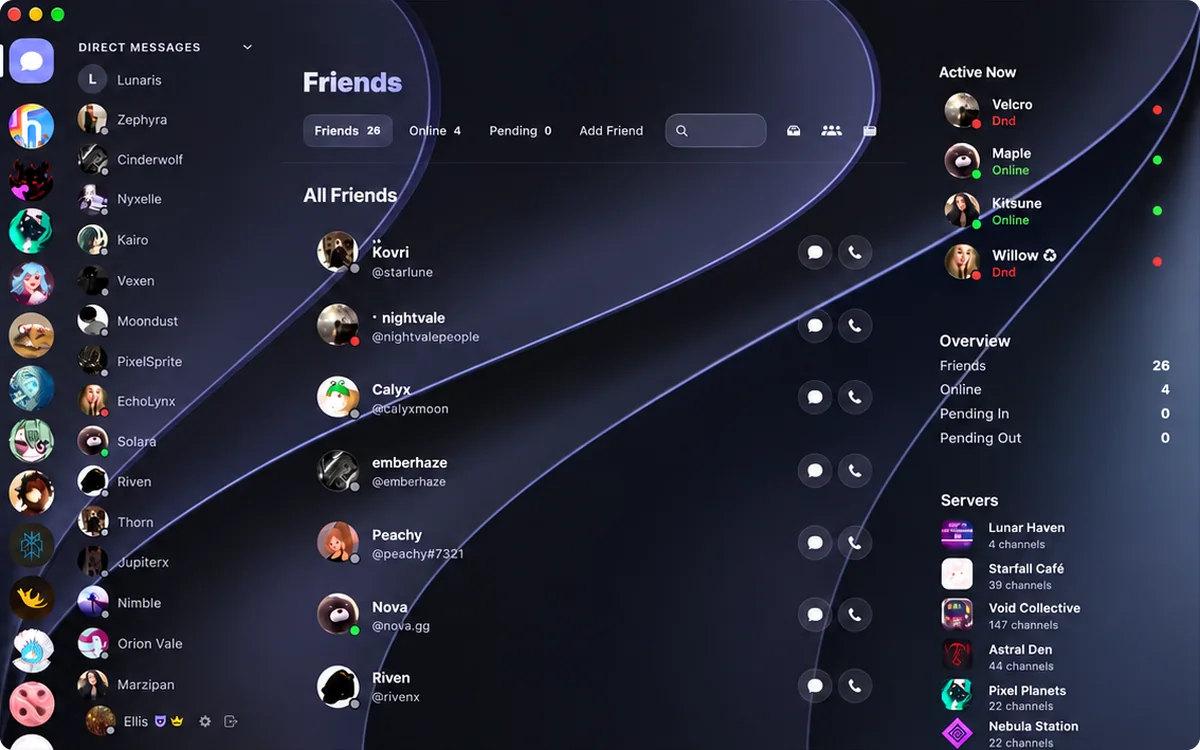
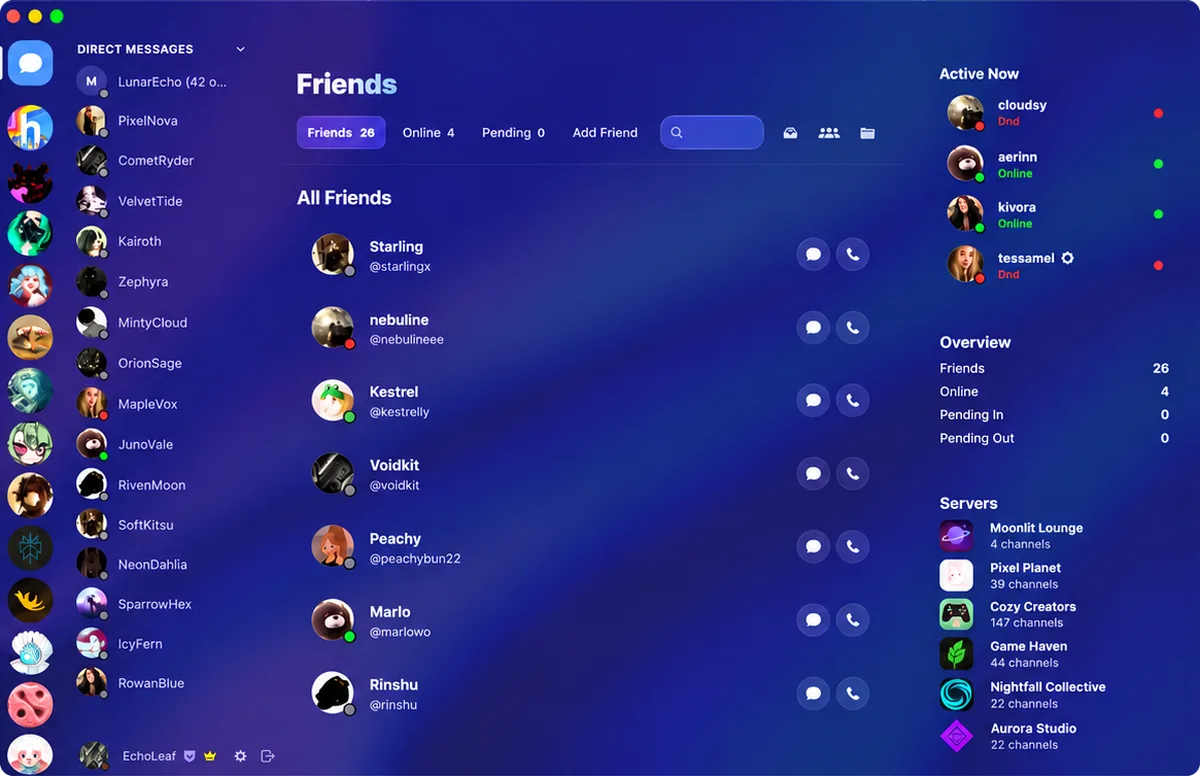
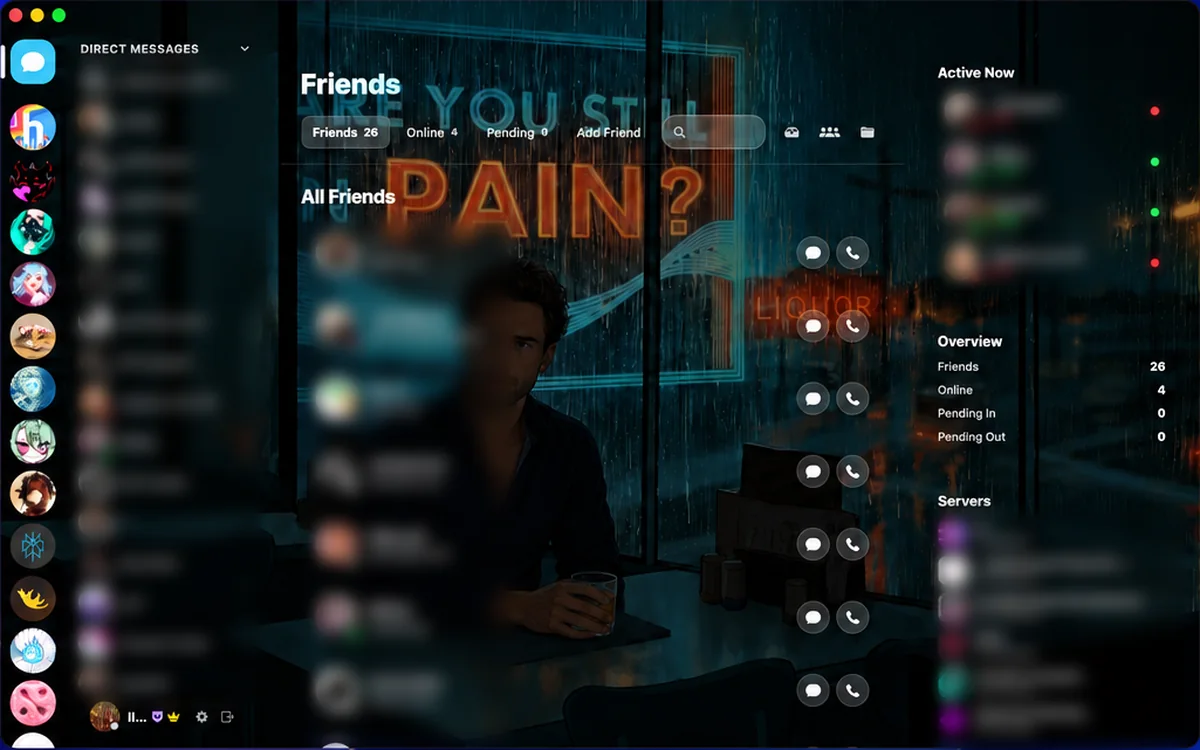
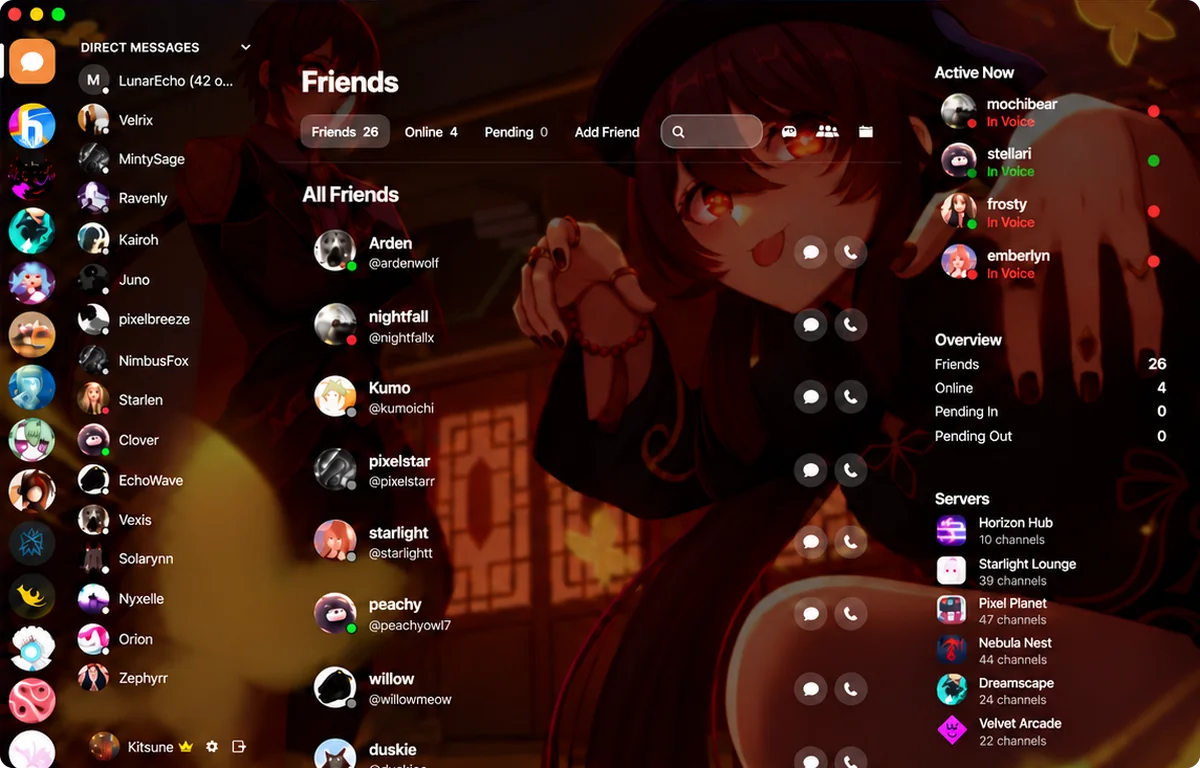
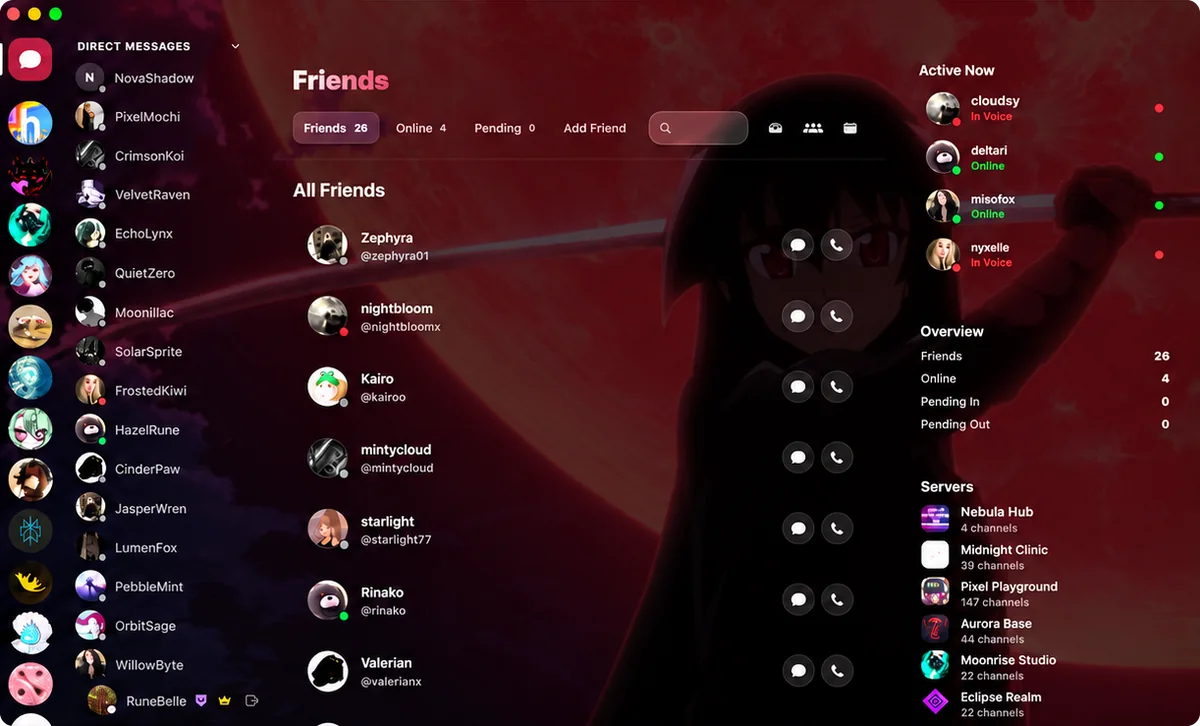
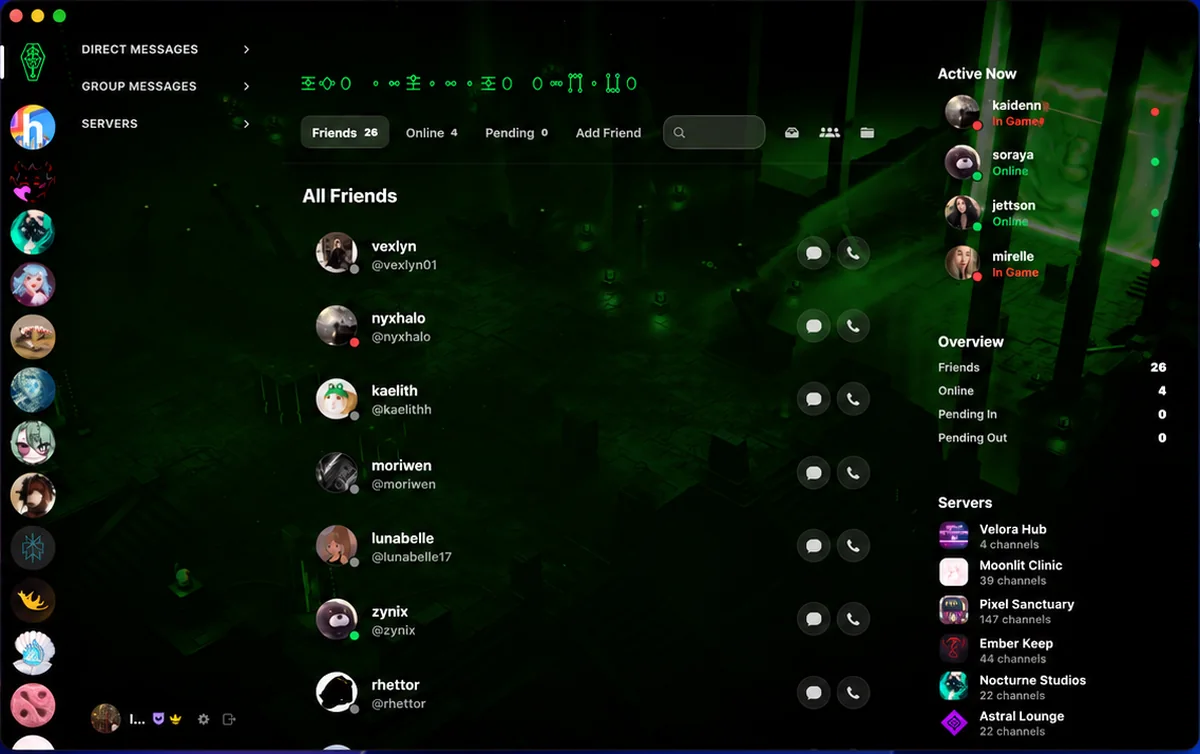
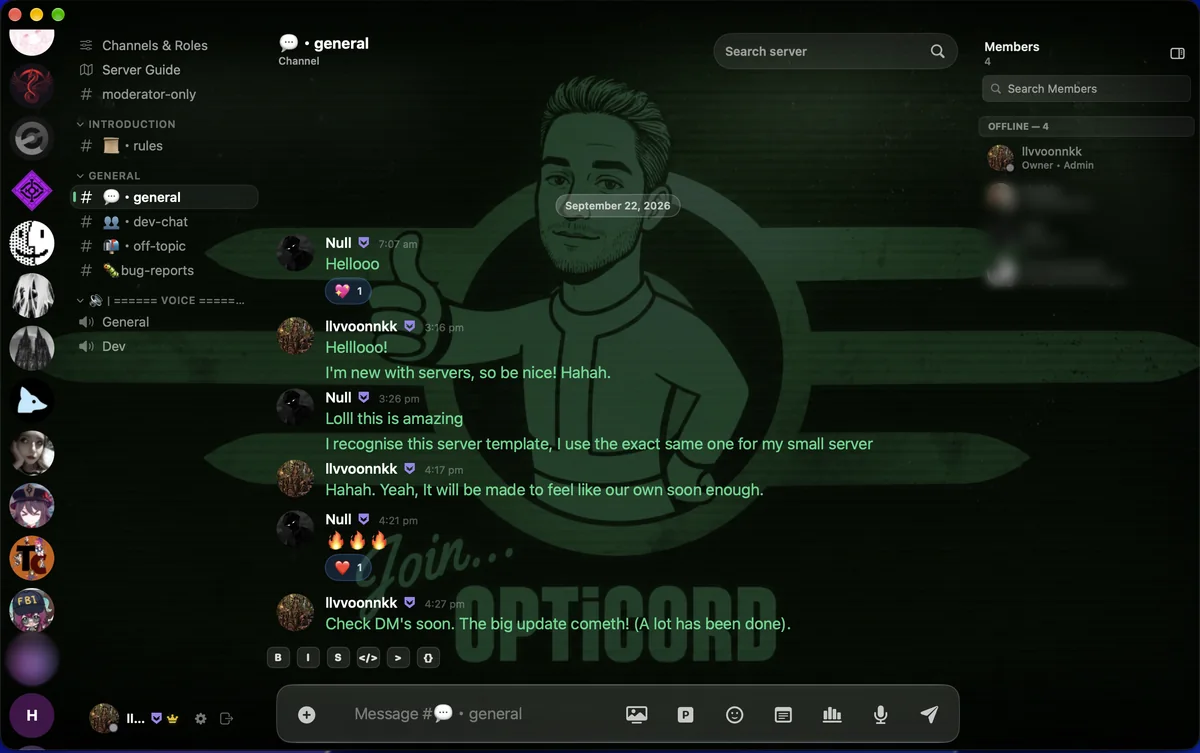
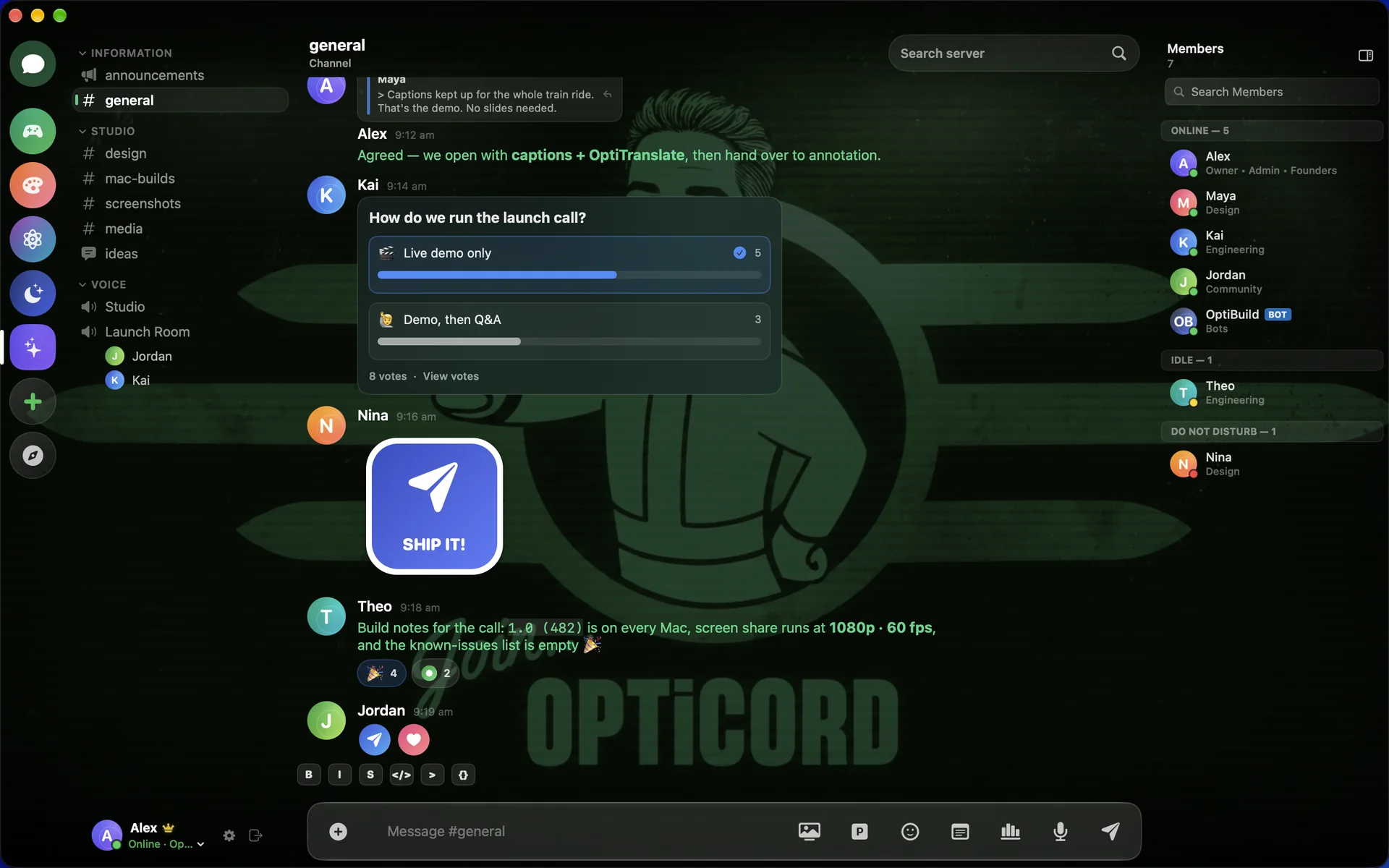
Fallout Terminal repaints the wallpaper, the glass, the accent and even the text. Sixteen more are waiting in Settings.
01 Calls
Real recordings from two Macs. OptiCord on yours, the regular Discord app on theirs. Nobody on the other end needs anything new.
 OptiCordYour Mac
One click in the header and it rings. The call bar slides in above your chat, and the conversation stays right where it was.
OptiCordYour Mac
Pick the whole screen or one app and bring its sound. Live captions, OptiTranslate, the soundboard, annotation, clips and a lossless recording of your own mic all sit on the same bar.
DiscordTheir Mac
Their Discord rings, they pick up and your screen is already there. They can share theirs straight back.
Annotate in OptiCordSeen in Discord
Circle it, cross it out, point at it. Your marks appear on their screen while you draw, and they never leave Discord.
OptiTranslateSeen in Discord
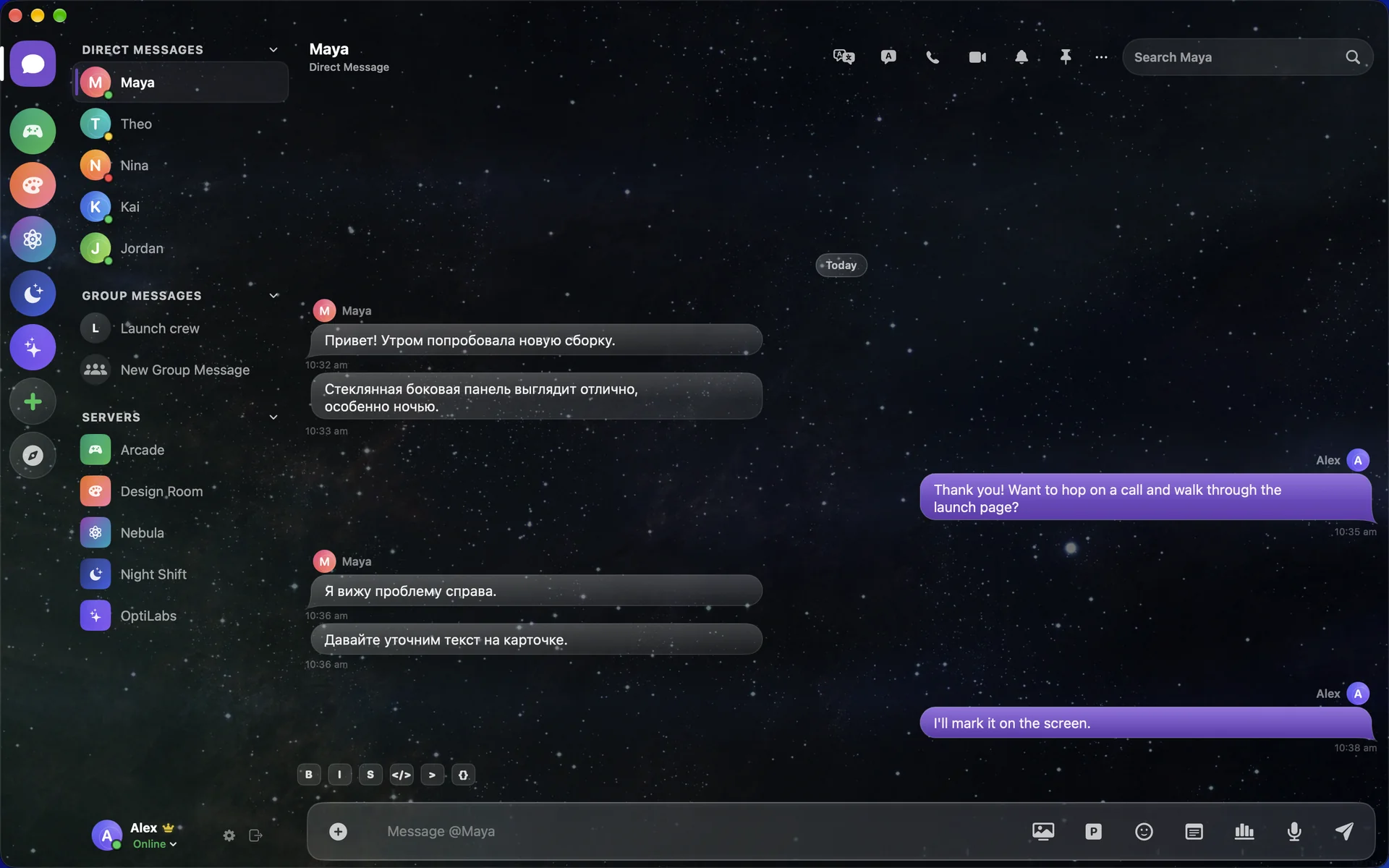
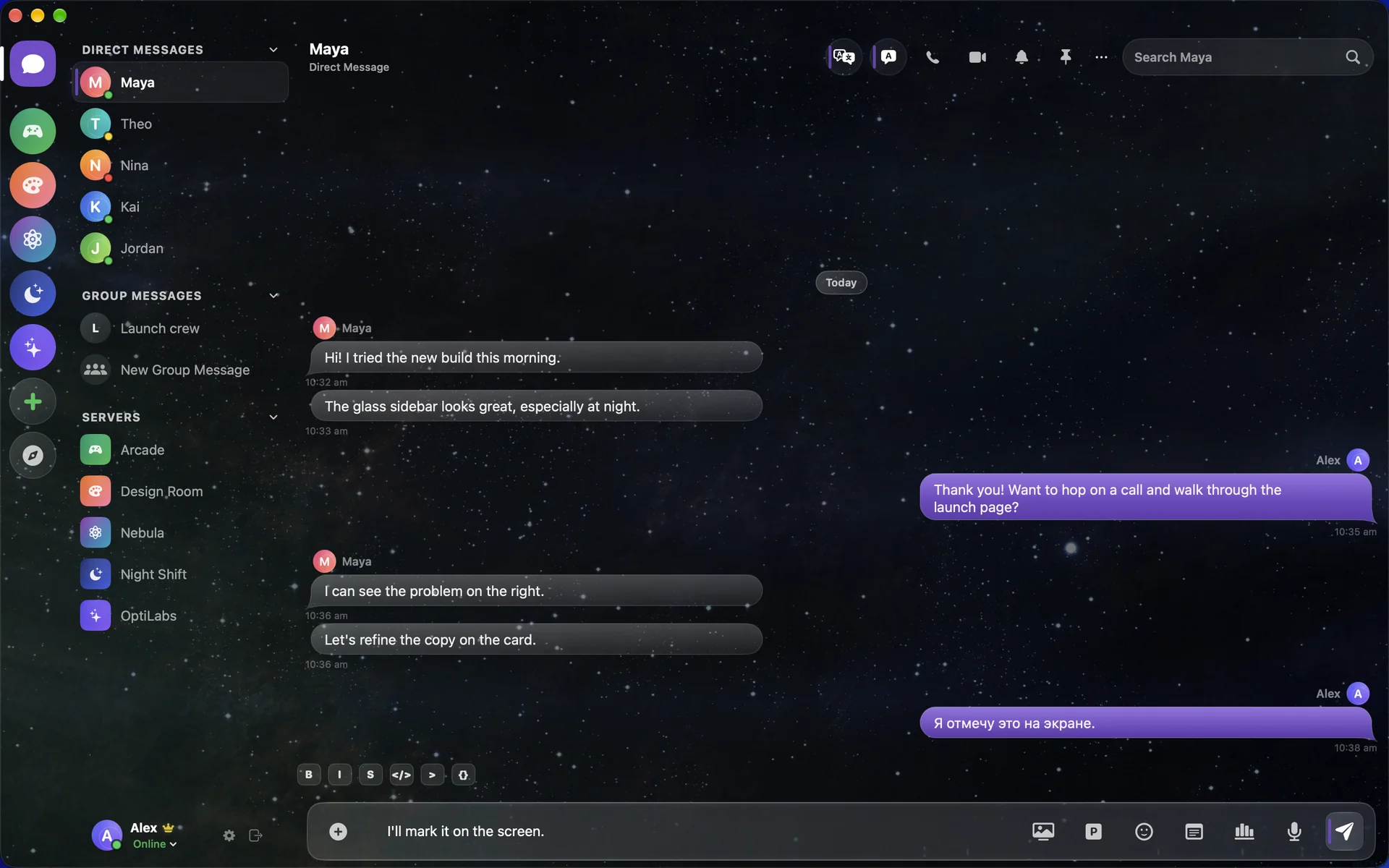
OptiTranslate captions what you say, translates it as you talk and places it in your screen share, so anyone watching in Discord can read along.
Everything they saw came from OptiCord.
03 Built for Mac
Discord's own app is built on Electron, a web browser dressed as a Mac window. OptiCord is written in Swift with SwiftUI and AppKit, and it runs only on Apple Silicon.
04 Discord, complete
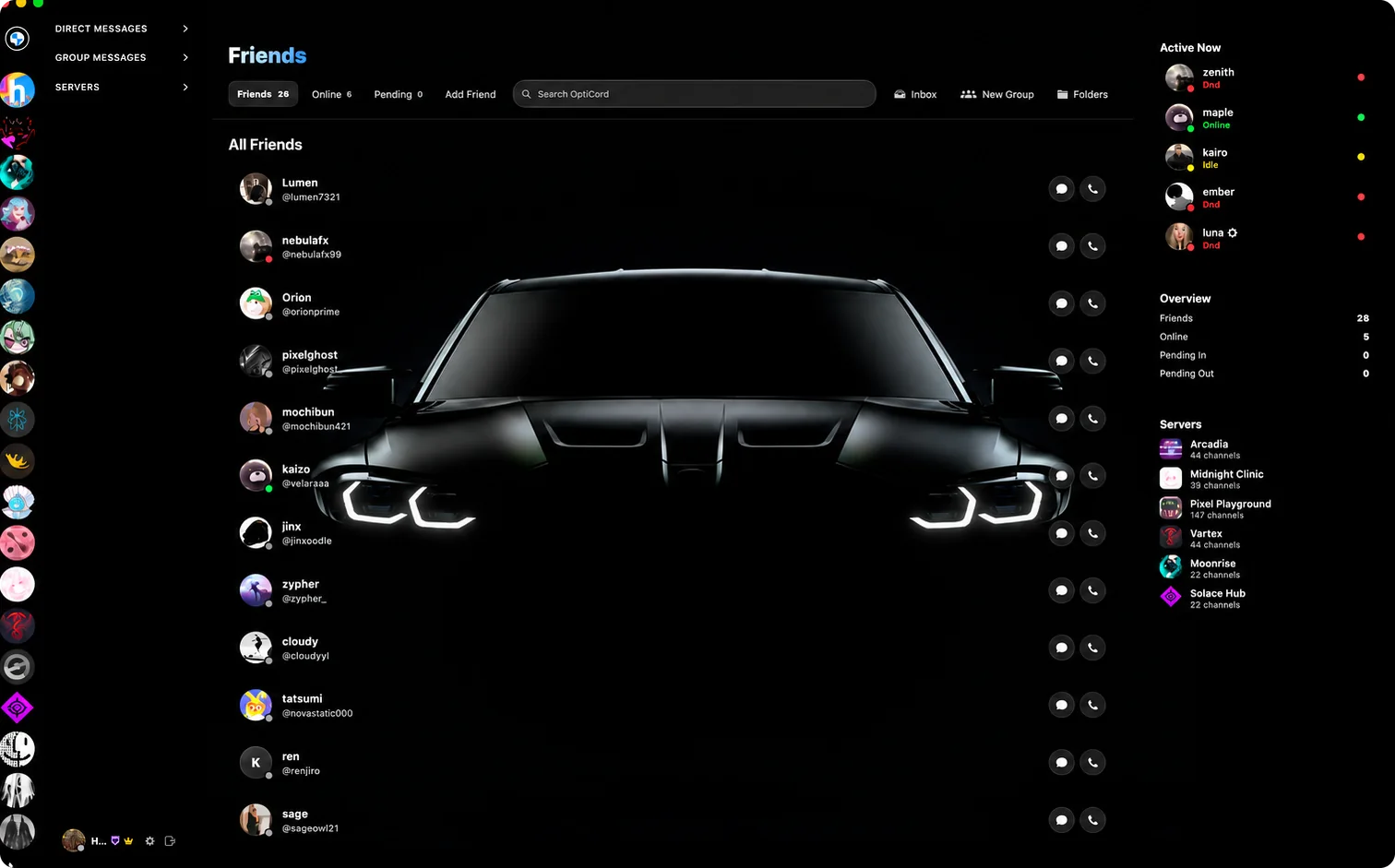
Servers, DMs, group chats, threads, forums, polls, stickers, voice messages, calls and screen sharing. All of it, rebuilt natively. Then OptiCord keeps going.
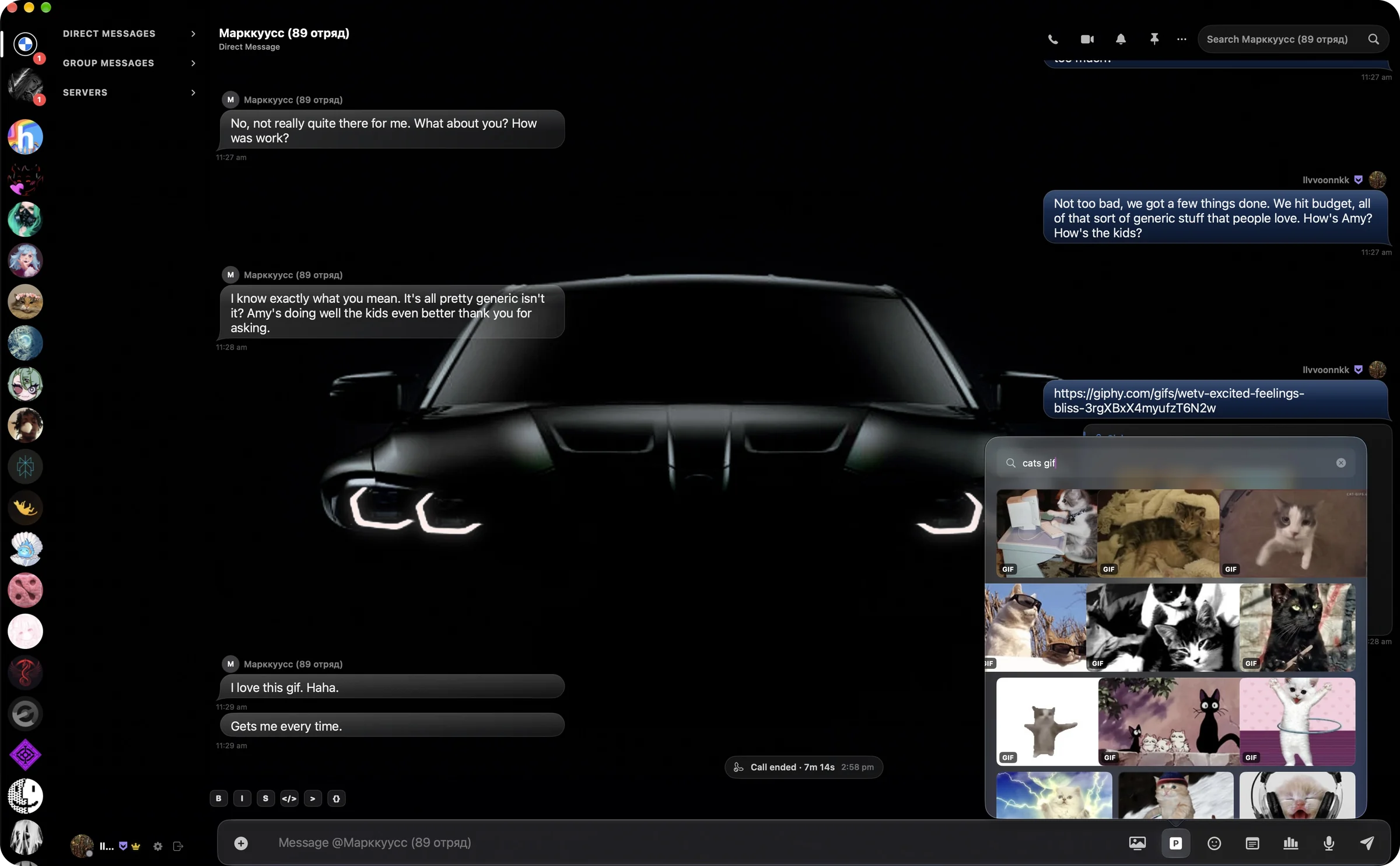
All of Pinterest, right in the message box. Search it without an account or a browser, and send any image or GIF straight into the chat.
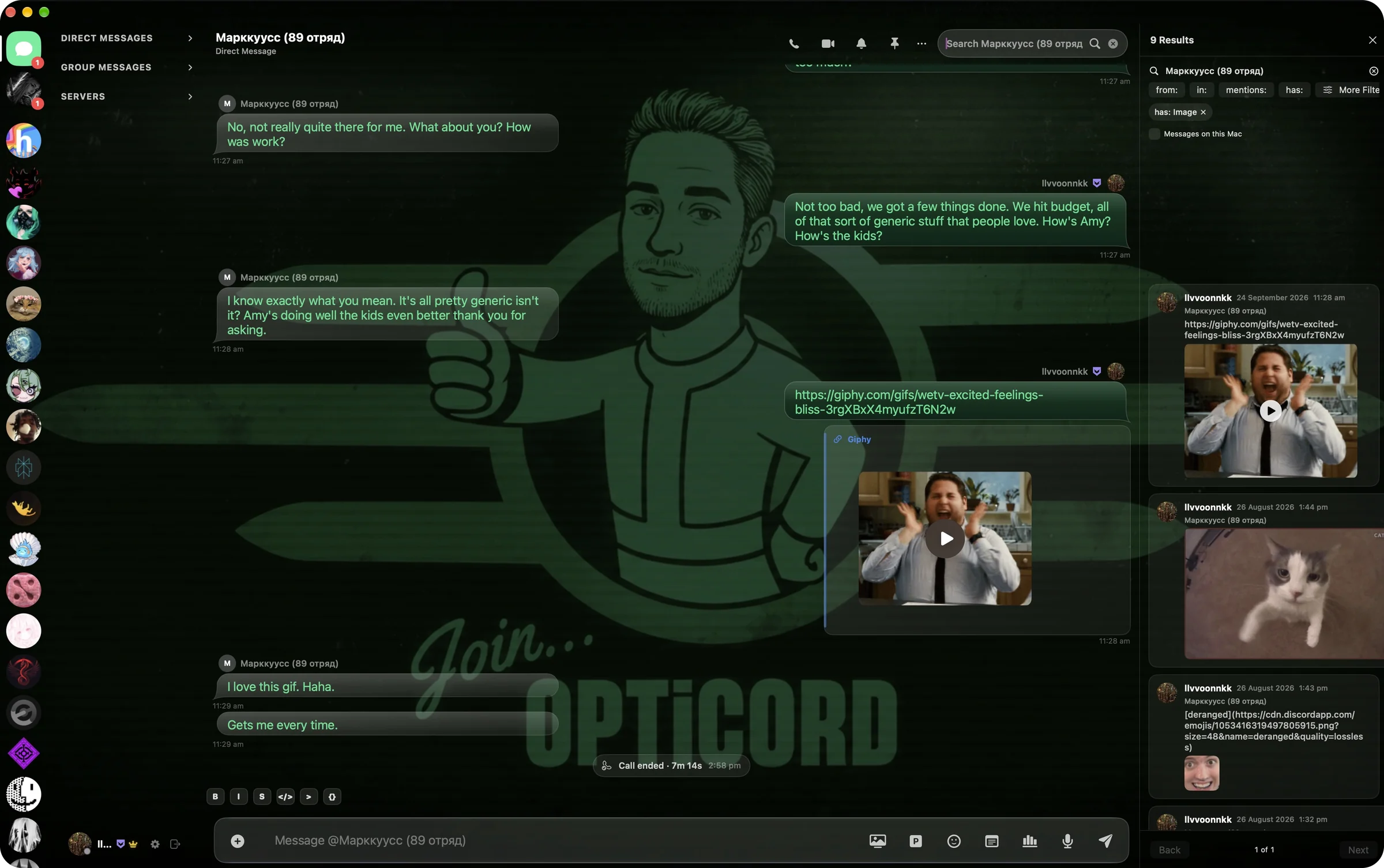
Search every DM and every channel. Filter by from, in, mentions and has, and tick Messages on this Mac to include everything stored locally.
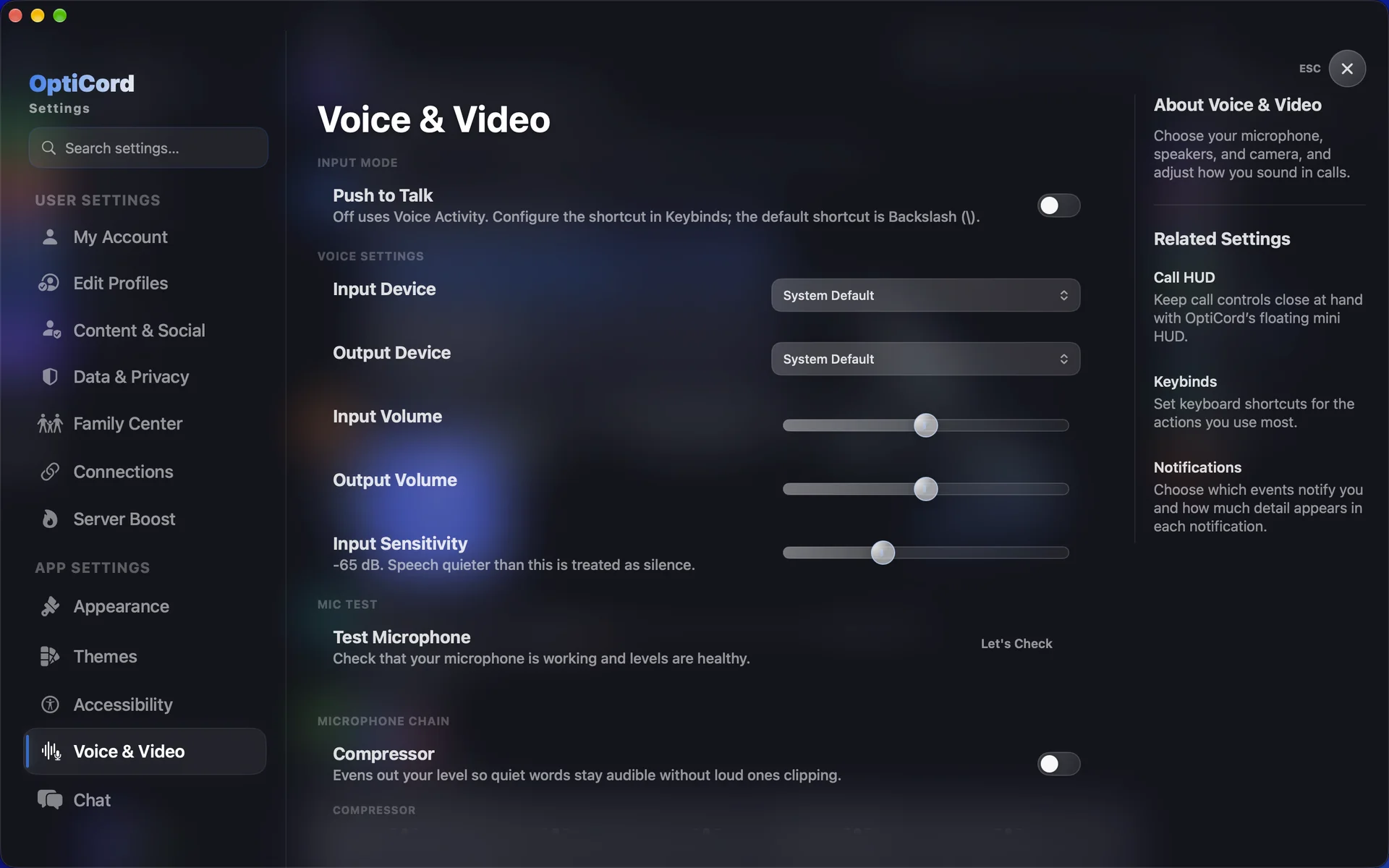
Studio-grade voice settings. Choose your mic and speakers, set levels and test your input. The compressor keeps quiet words audible without loud ones clipping.
05 Themes
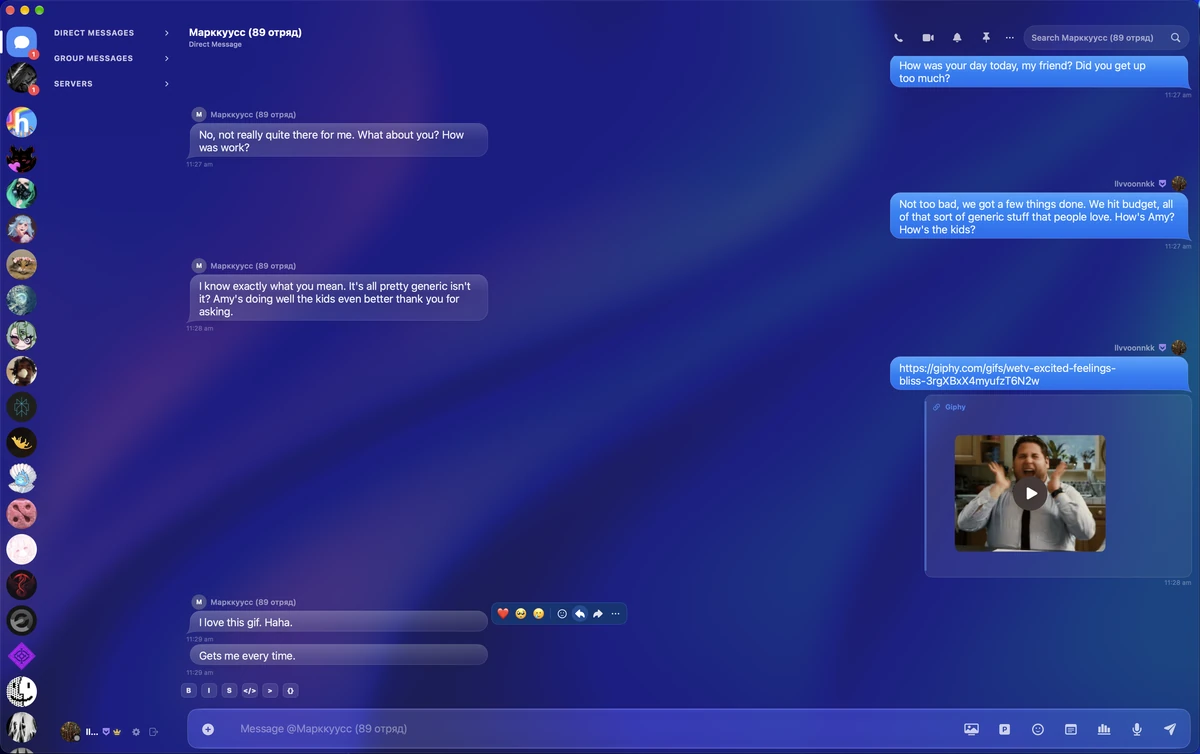
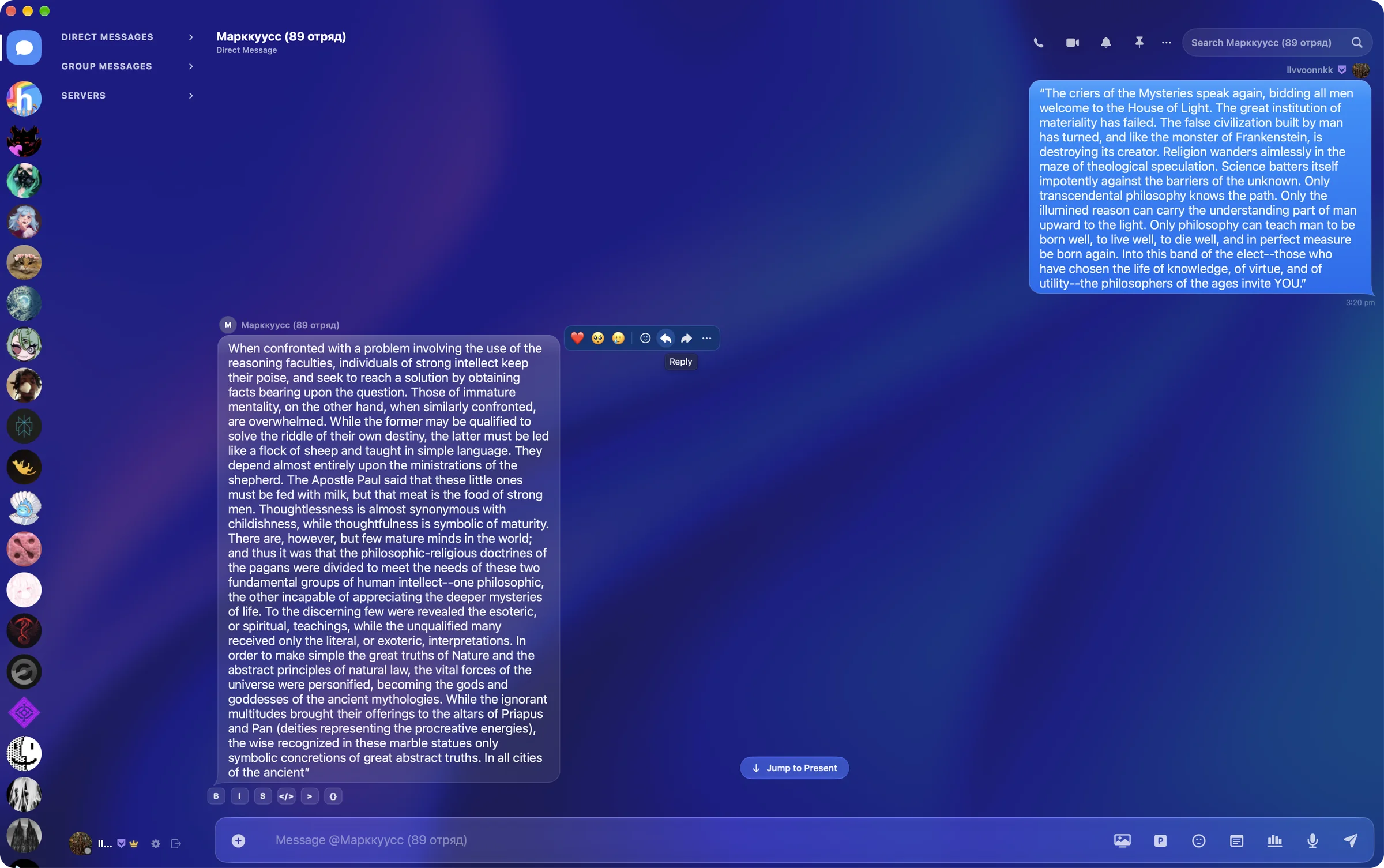
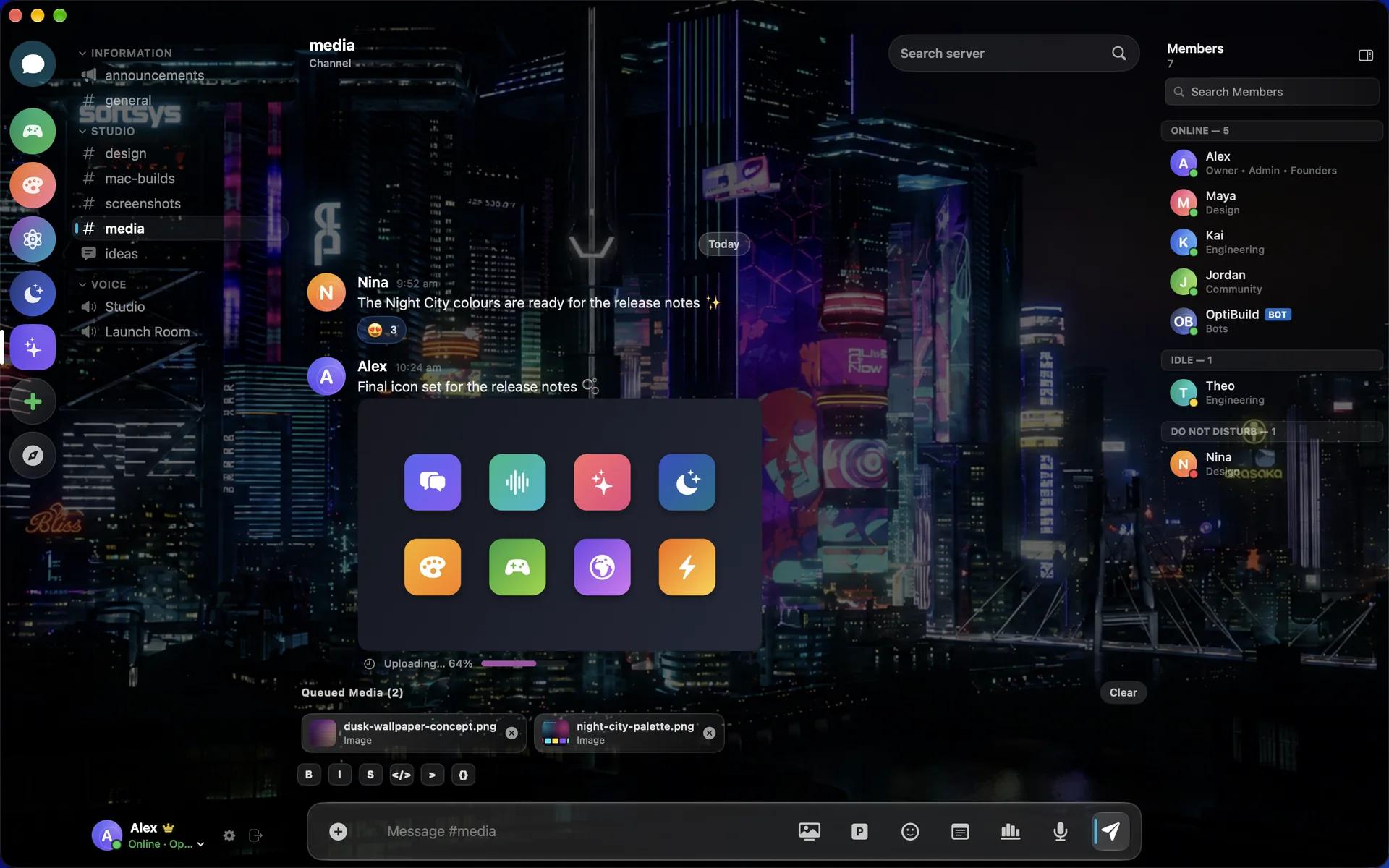
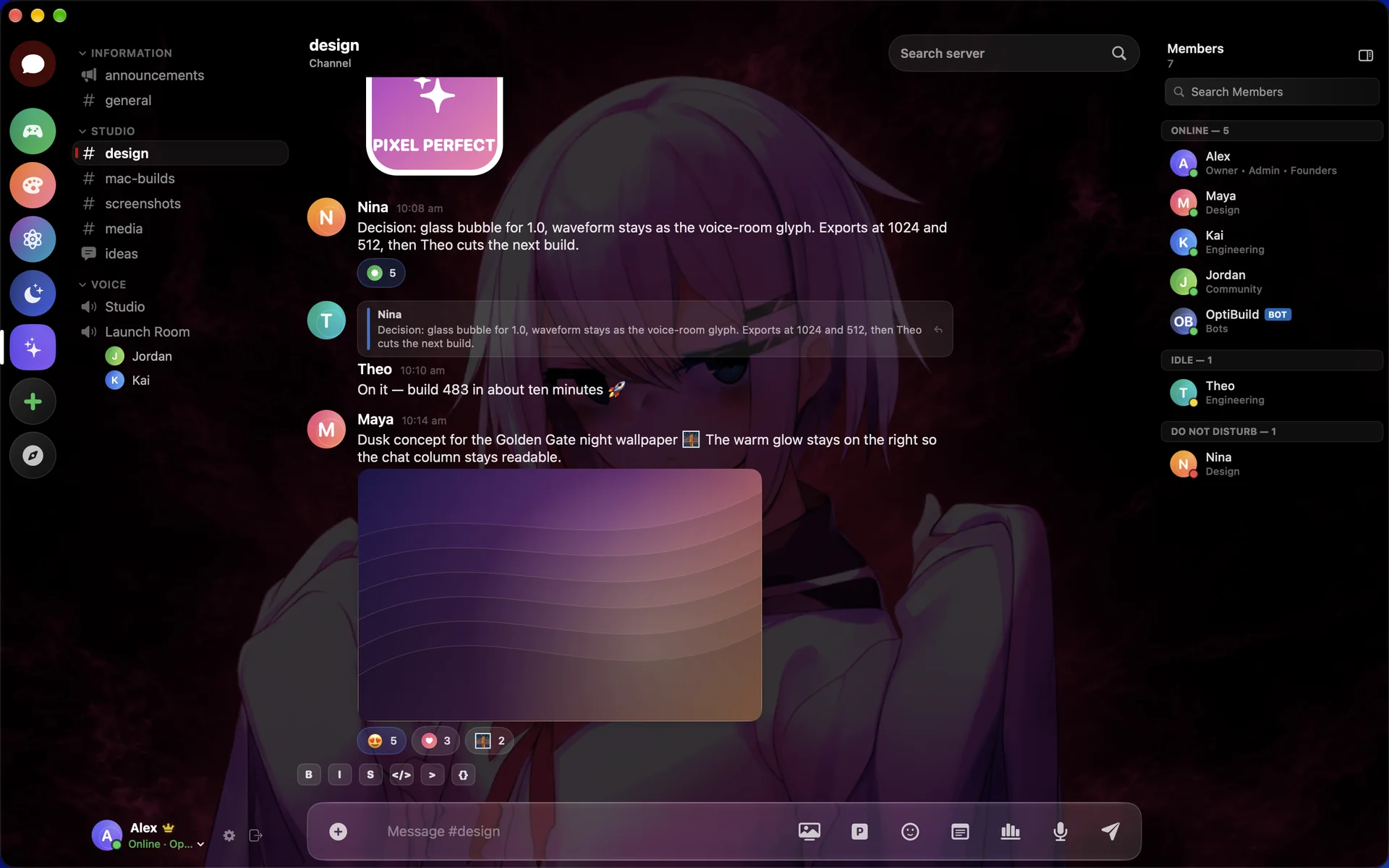
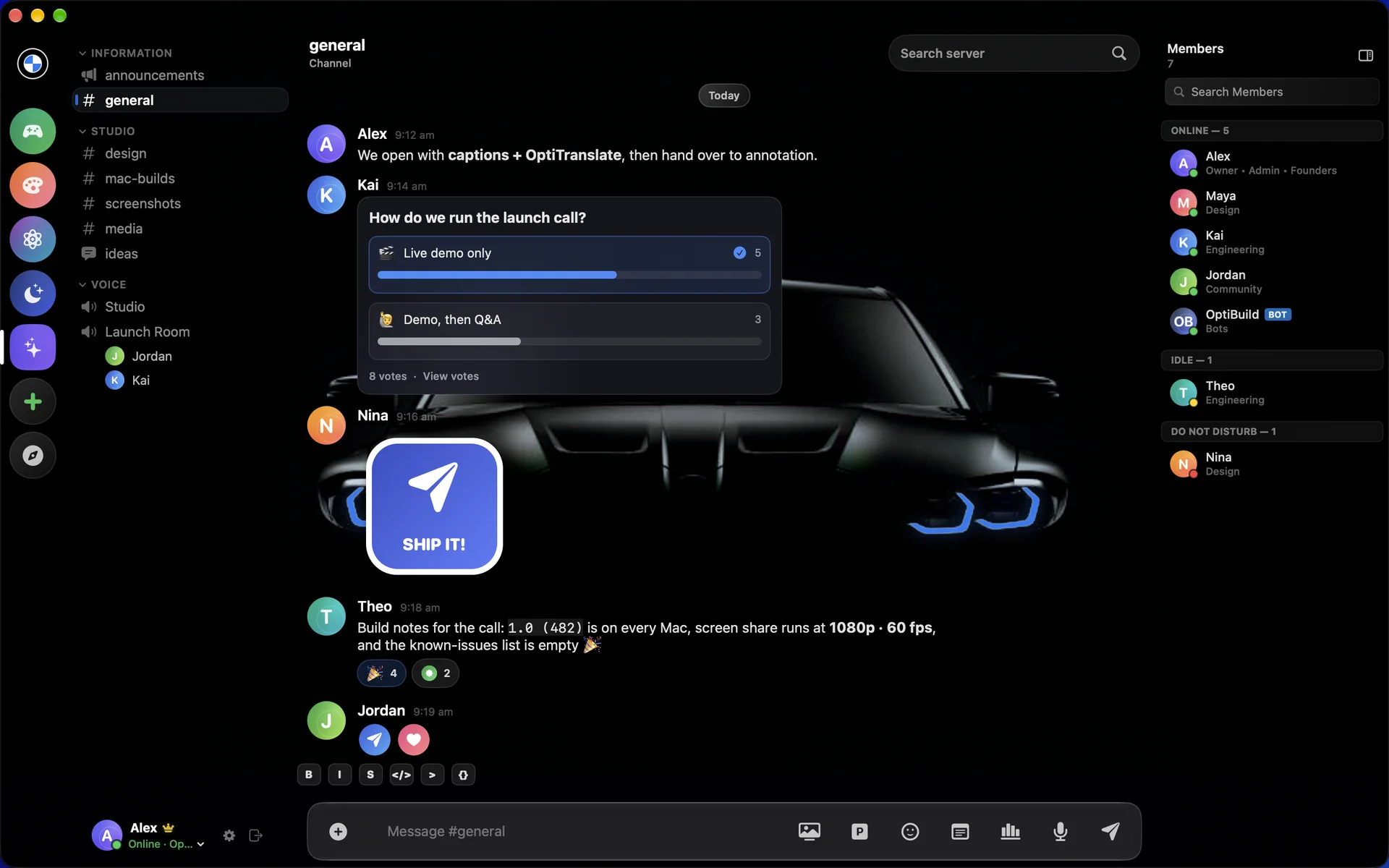
A theme changes the wallpaper, the glass and the accent colour together. Switch as often as you like. Your conversations stay exactly where they are.
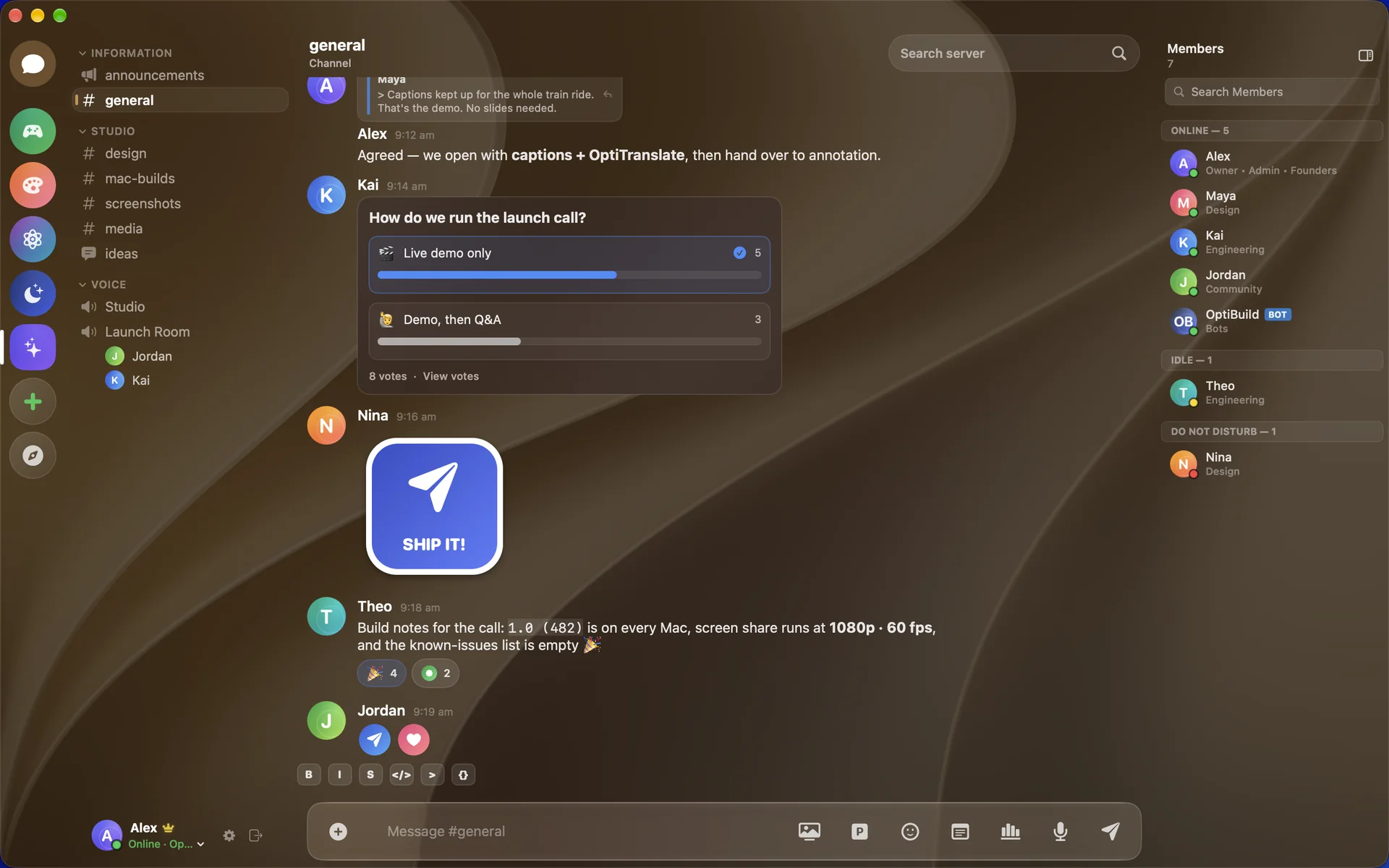
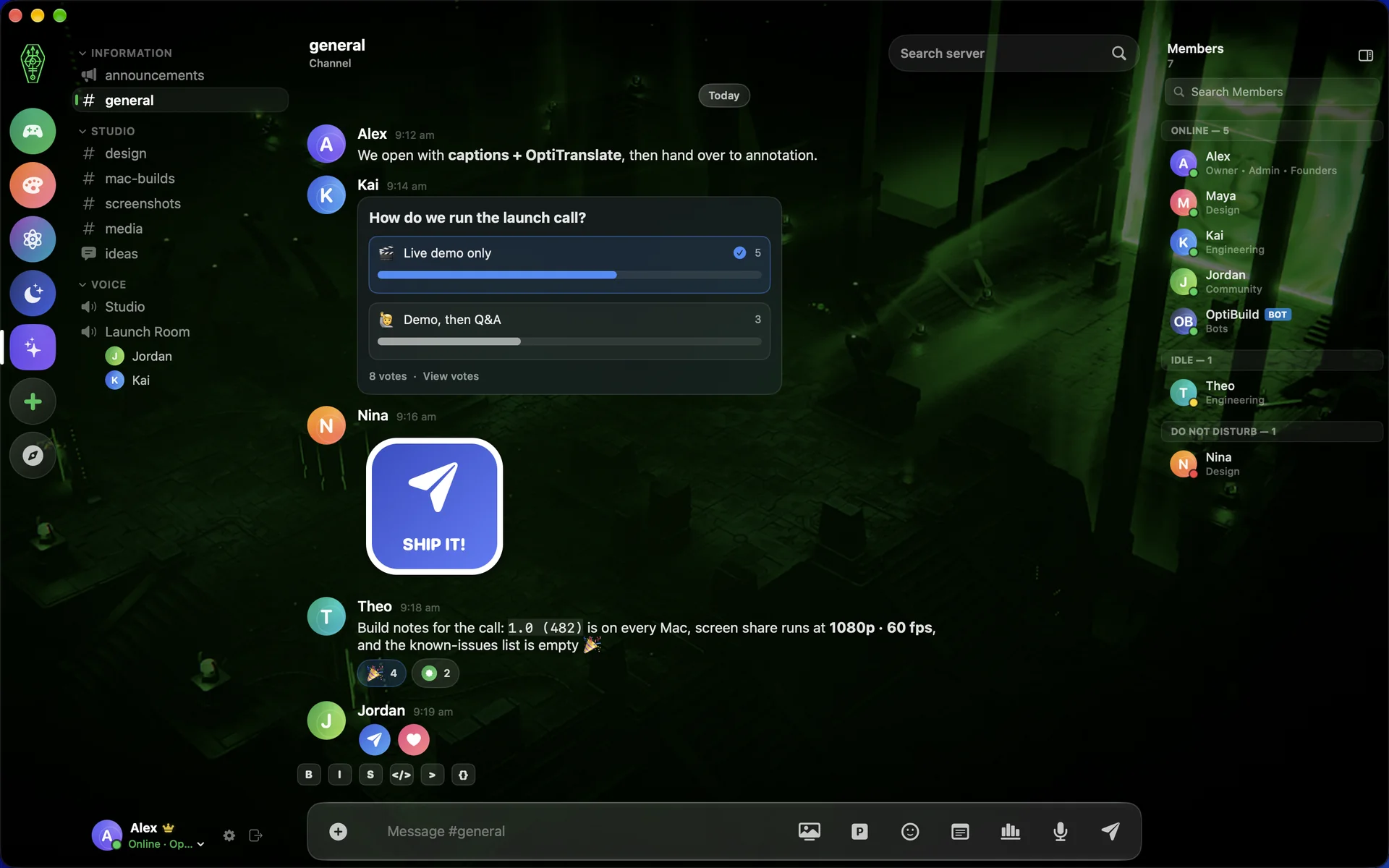
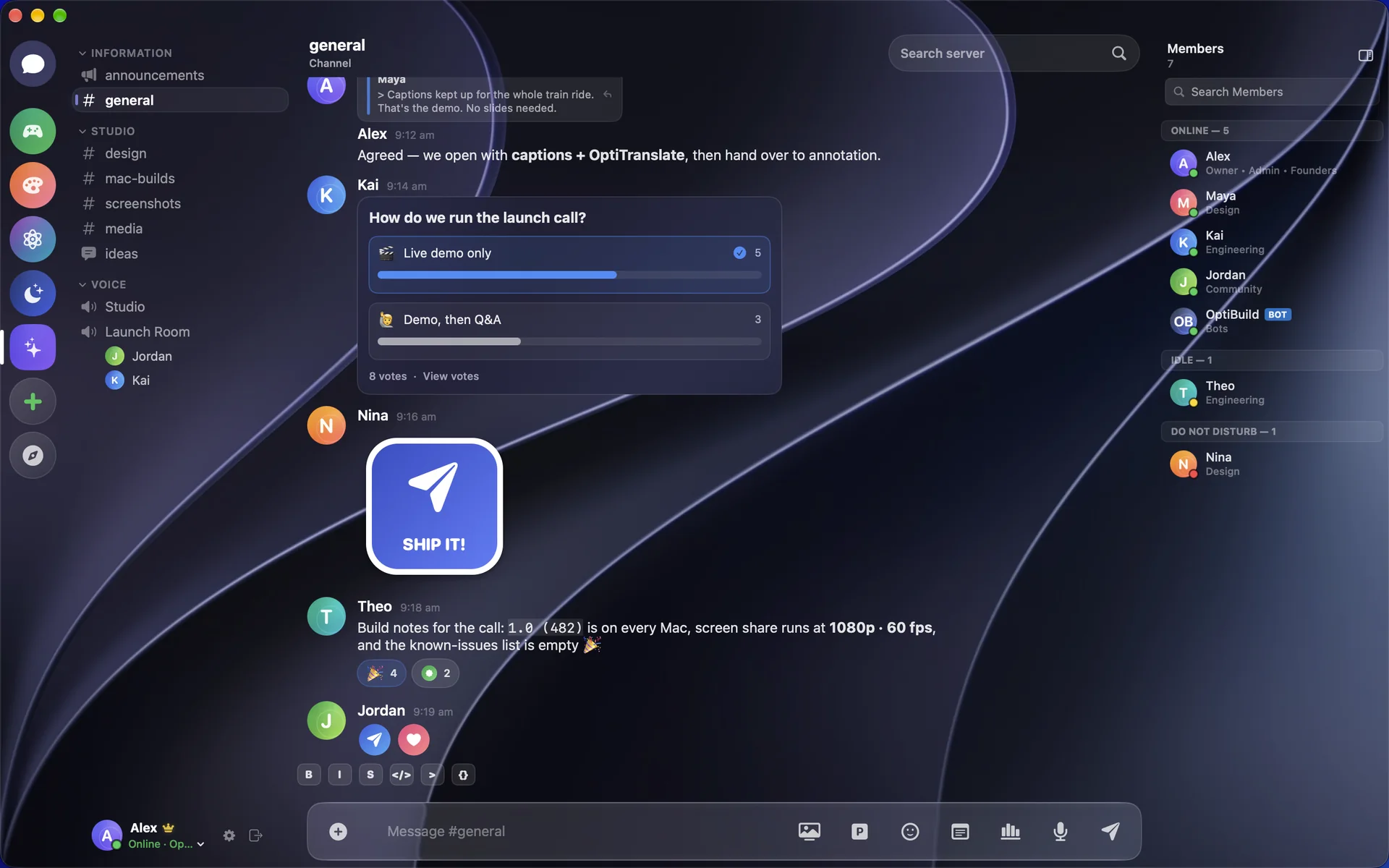
Golden Gate · Day
06 Why OptiCord
Your account, your servers and your friends come with you. This is what changes.
Written in Swift for Apple Silicon, with native windows, menus and keyboard shortcuts. There's no browser underneath.
Your friends stay on Discord and still get your calls, your screen, your drawings and your translations.
Live captions, OptiTranslate, annotation, the soundboard, clips and lossless mic recording, all on one bar.
Seventeen themes, including the premium M and OptiCrons designs, each repainting the whole app.
OT-06 OptiCord
OptiCord is in beta now. Tell us about your Mac, request access and we'll be in touch by email.
Apple Silicon · macOS 15 or later