 OptiCord
Discord, rebuilt for the Mac.
€29.99, paid onceLifetime licence for one Mac
BuyOptiCord puts your Discord account in a native Mac app. Everything Discord does, plus live translation, drawing on screen shares, spatial audio and all of Pinterest. Nothing else on the Mac comes close.
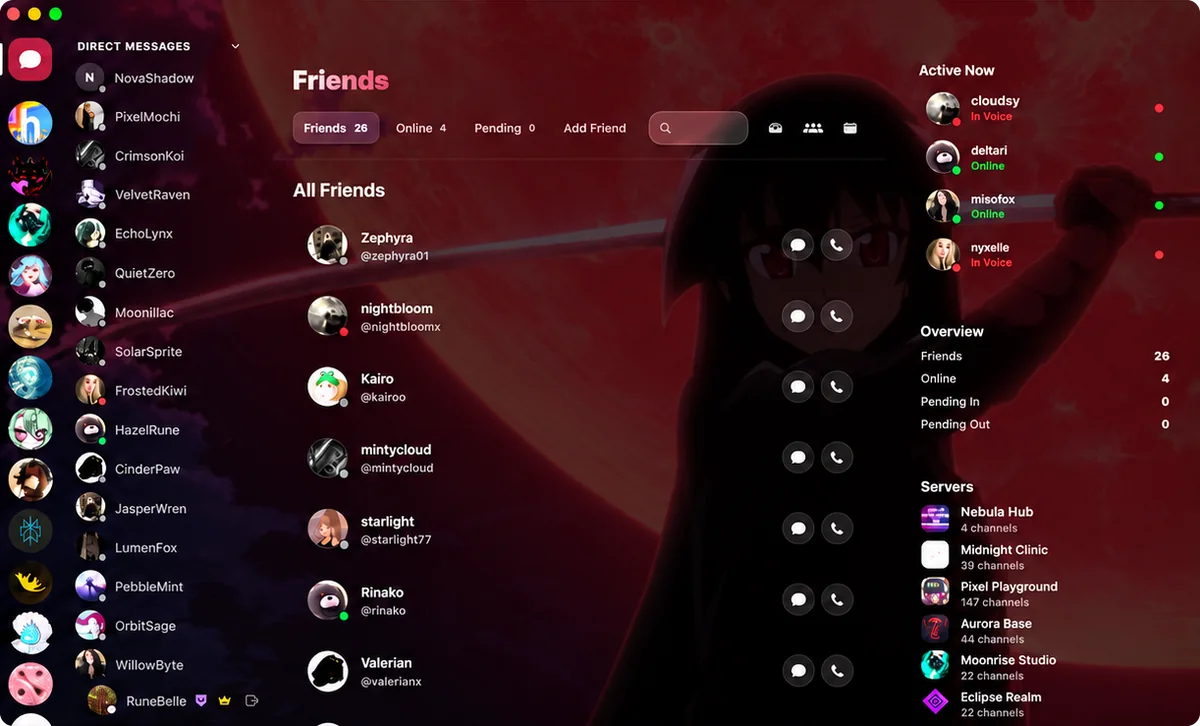
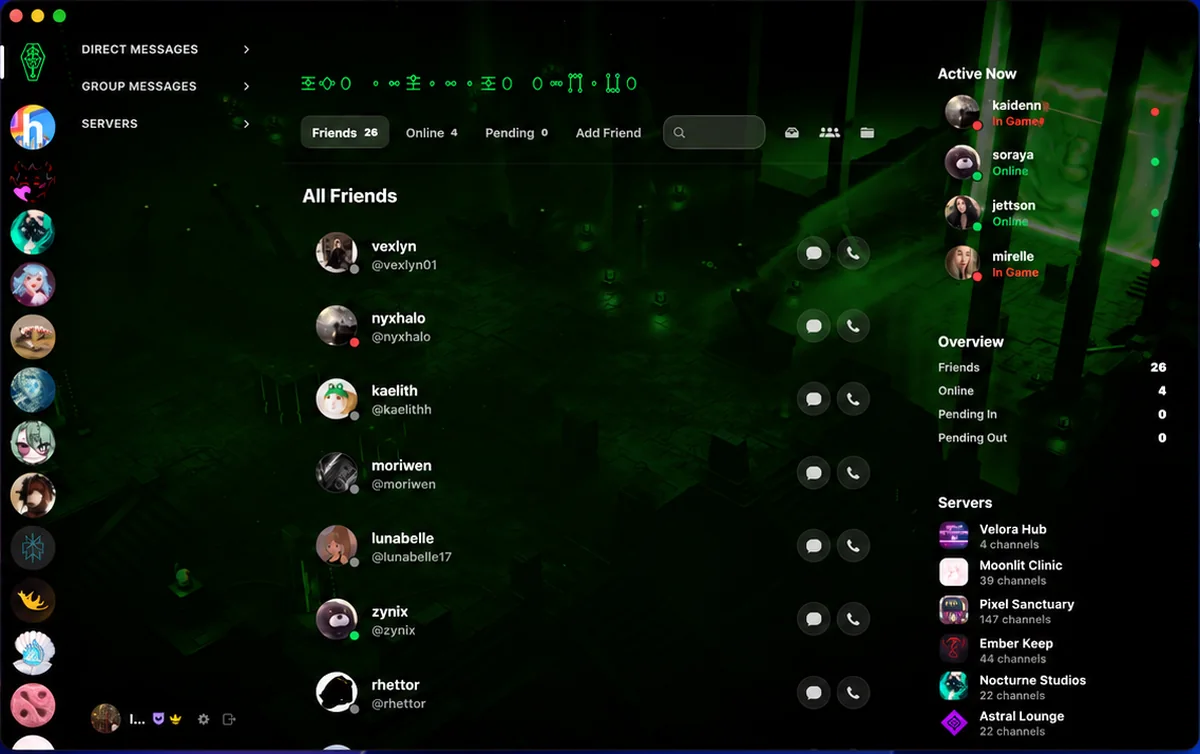
- 17Full-window themes
- 0Chromium inside
- 2Languages in one chat
- €29.99Once, not monthly
Highlights
The quick tour.
Calls
Every call, from the better seat.
Real recordings from two Macs. OptiCord on yours, the regular Discord app on theirs. Nobody on the other end needs anything new.
OptiCord, your MacStart a call from any DM. One click in the header and it rings. The call bar slides in above your chat, and the conversation stays right where it was.
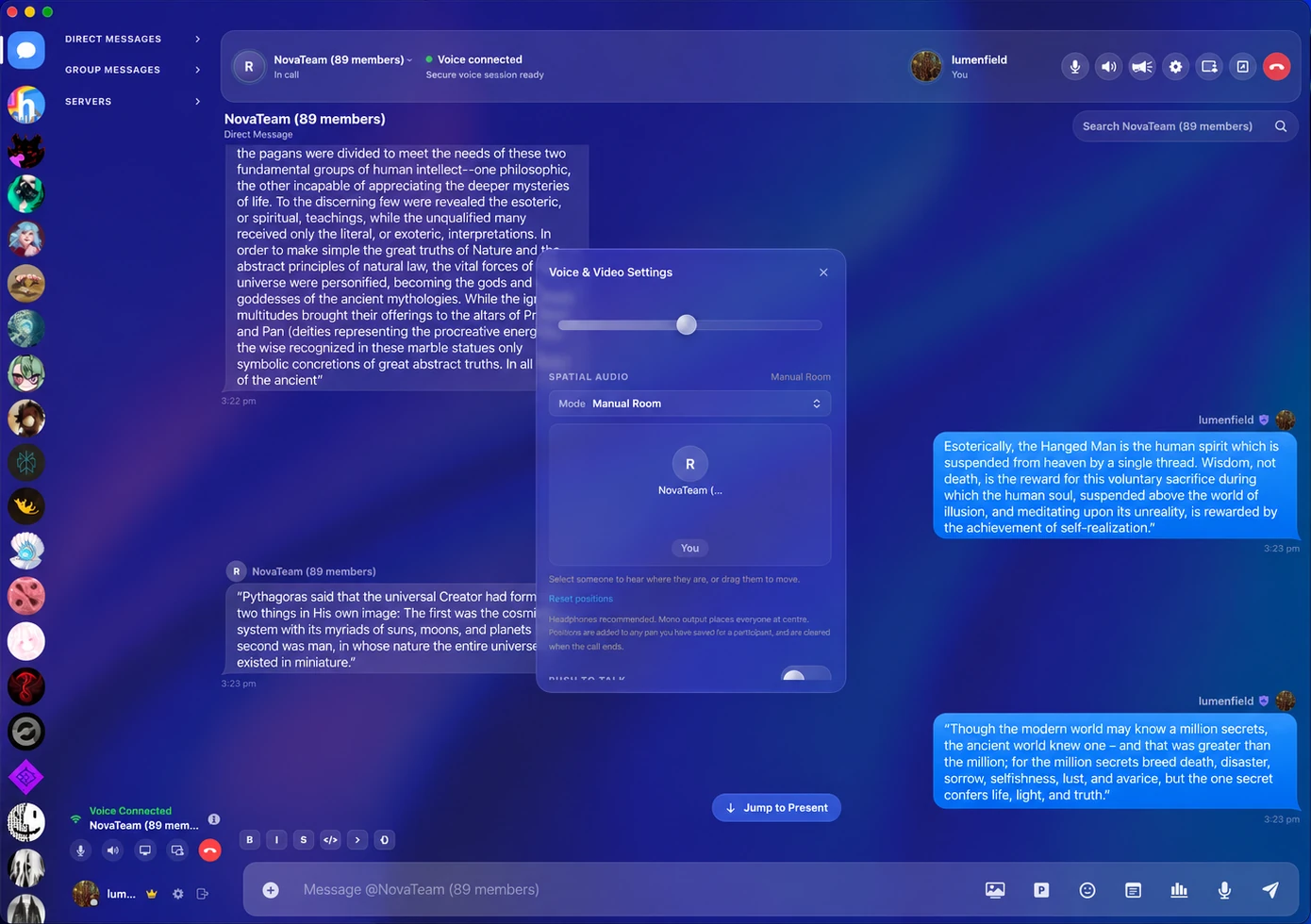
OptiCord, your MacShare from the bar. Pick the whole screen or one app and bring its sound. Live captions, OptiTranslate, the soundboard, annotation, clips and a lossless recording of your own mic all sit on the same bar.
Discord, their MacThey answer in plain Discord. Their Discord rings, they pick up and your screen is already there. They can share theirs straight back.
Annotate in OptiCord, seen in DiscordDraw on what you share. Circle it, cross it out, point at it. Your marks appear on their screen while you draw, and they never leave Discord.
OptiTranslate, seen in DiscordYou speak English. They read Russian. OptiTranslate captions what you say, translates it as you talk and places it in your screen share, so anyone watching in Discord can read along.
Everything they saw came from OptiCord.
Messages
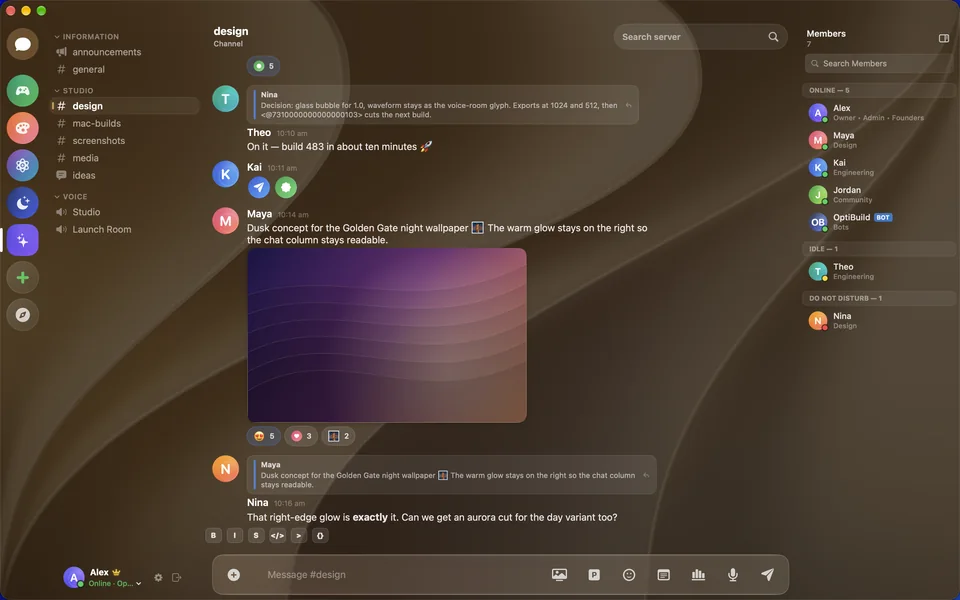
Your conversations. Native to the Mac.
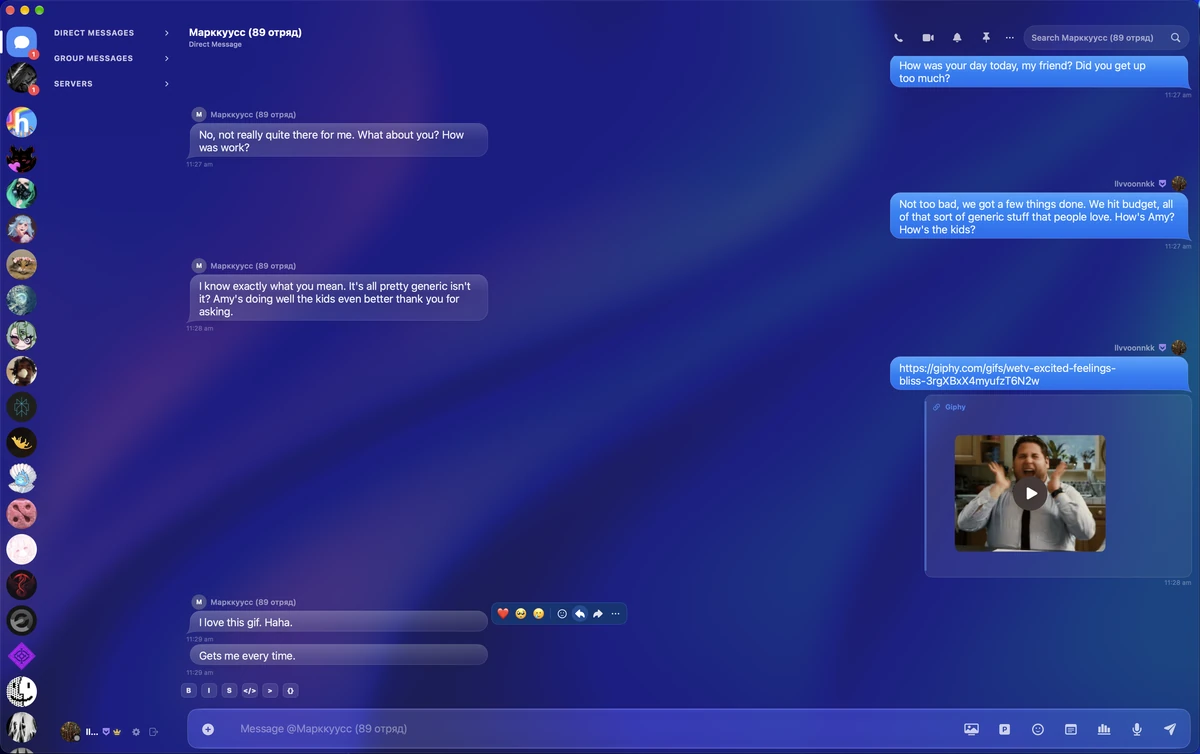
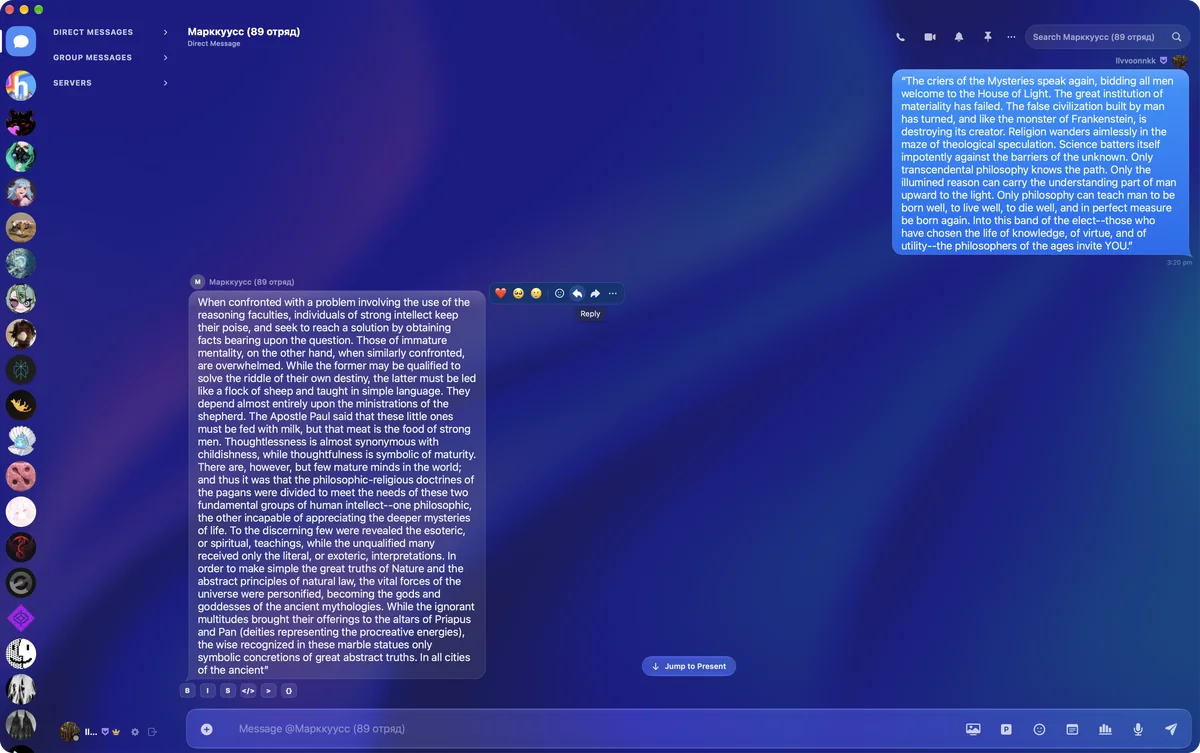
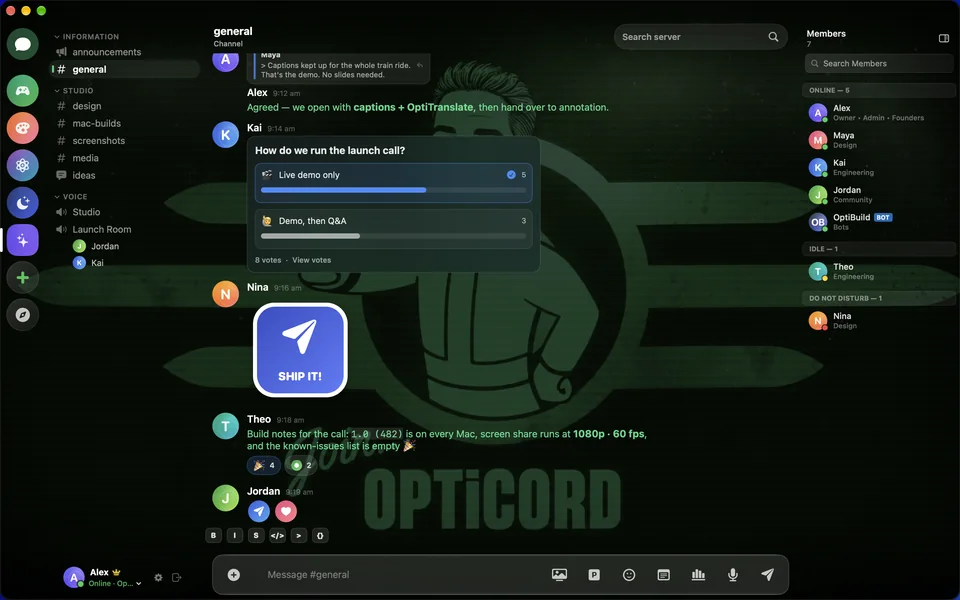
Hover any message to react, reply or forward it. Long messages wrap into clean bubbles, and Jump to Present takes you straight back to the newest one.
OptiTranslate
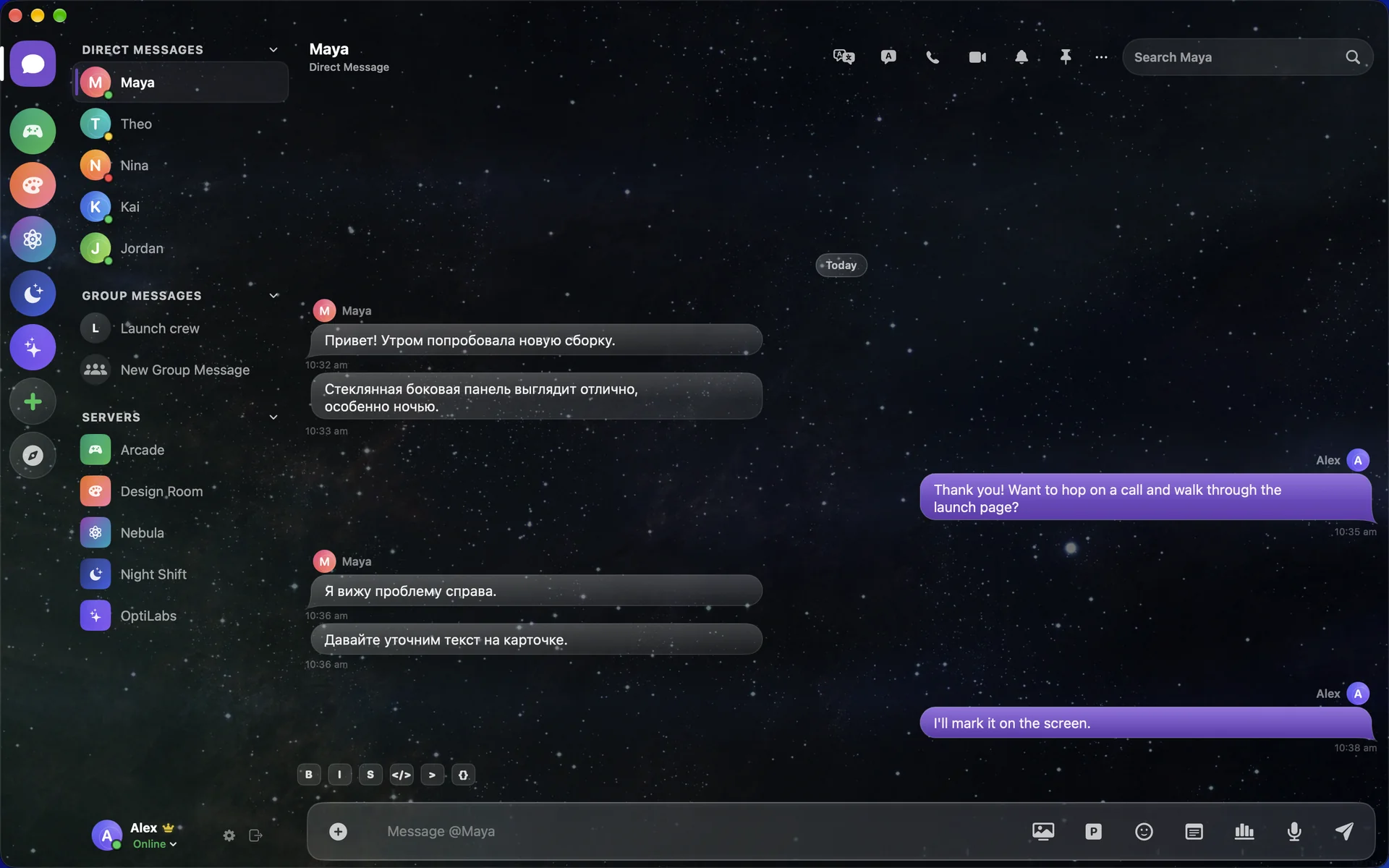
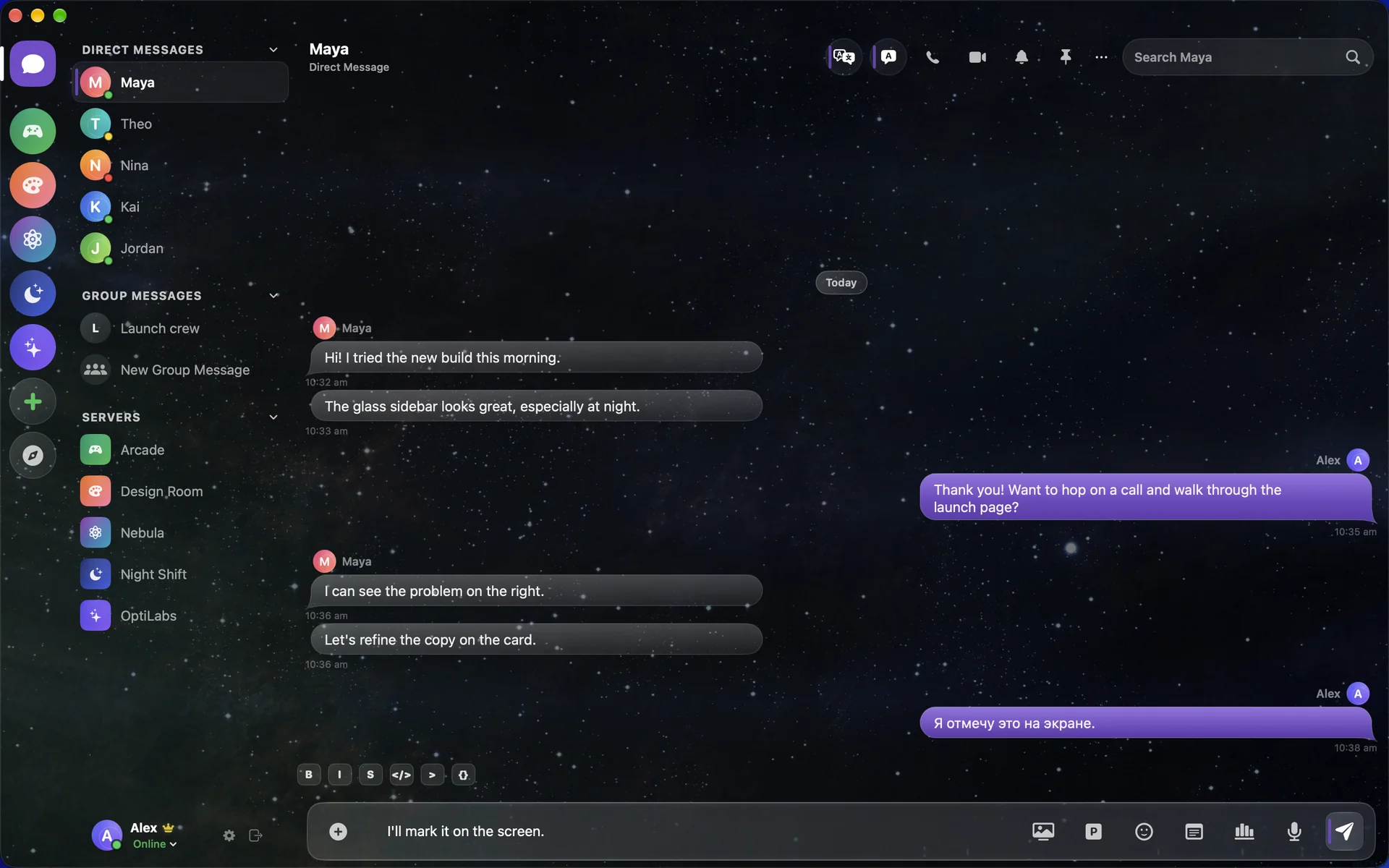
Chat in two languages at once.
Turn on OptiTranslate and their Russian arrives in English. Your English goes out in Russian. Drag the line to see both.
Built for Mac
Swift and AppKit. Zero Chromium.
Discord’s own app is built on Electron, a web browser dressed as a Mac window. OptiCord is written in Swift with SwiftUI and AppKit, and it runs only on Apple Silicon.
Discord, complete
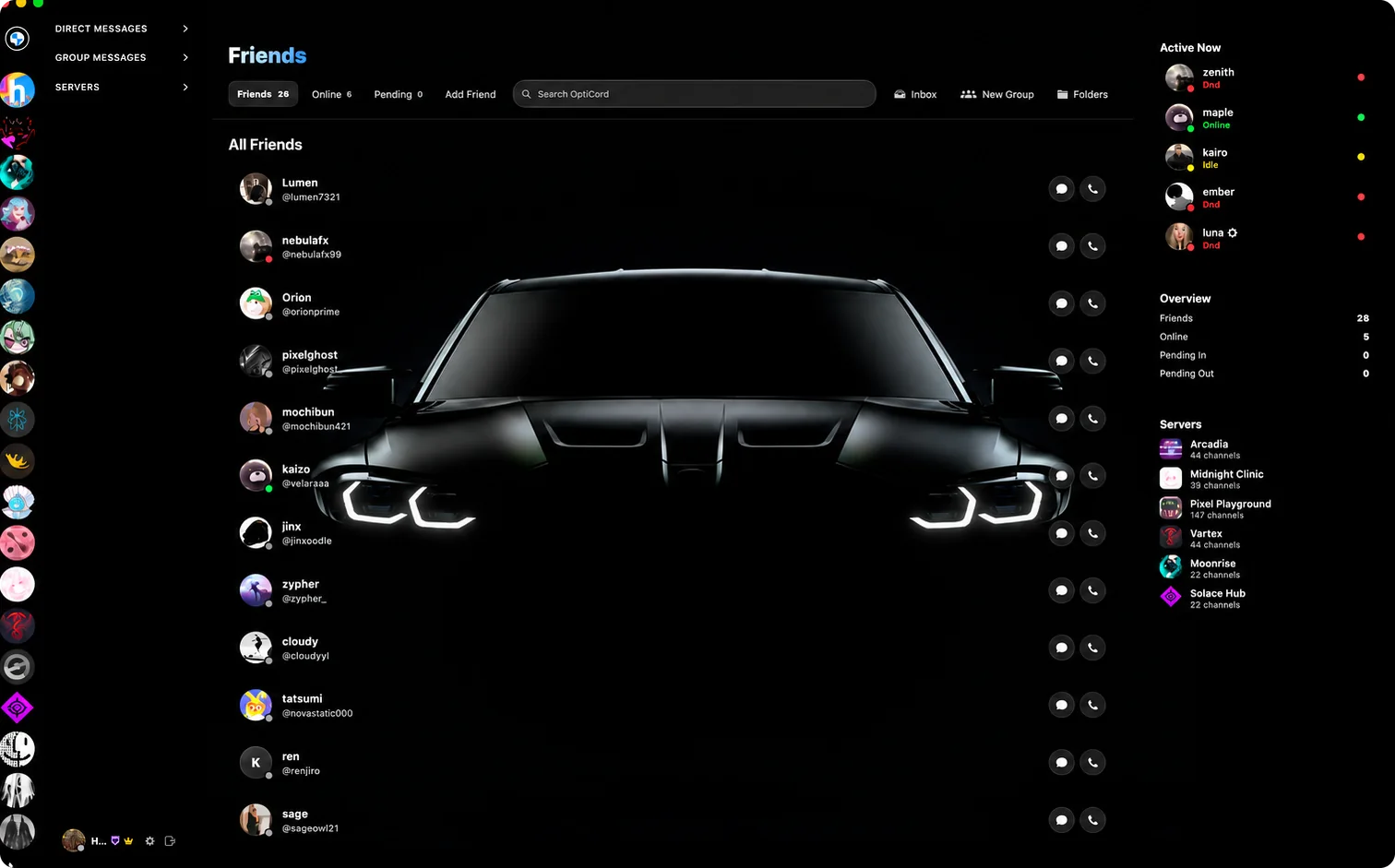
Everything Discord does. And then some.
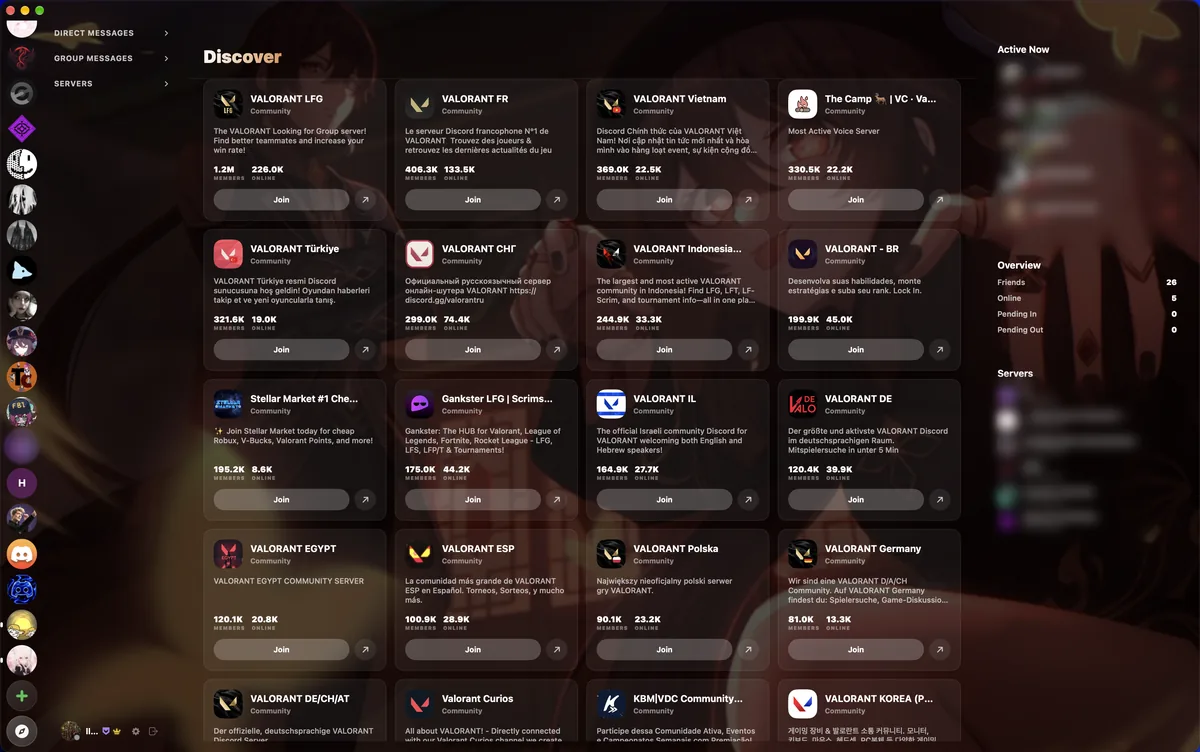
Servers, DMs, group chats, threads, forums, polls, stickers, voice messages, calls and screen sharing. All of it, rebuilt natively. Then OptiCord keeps going.
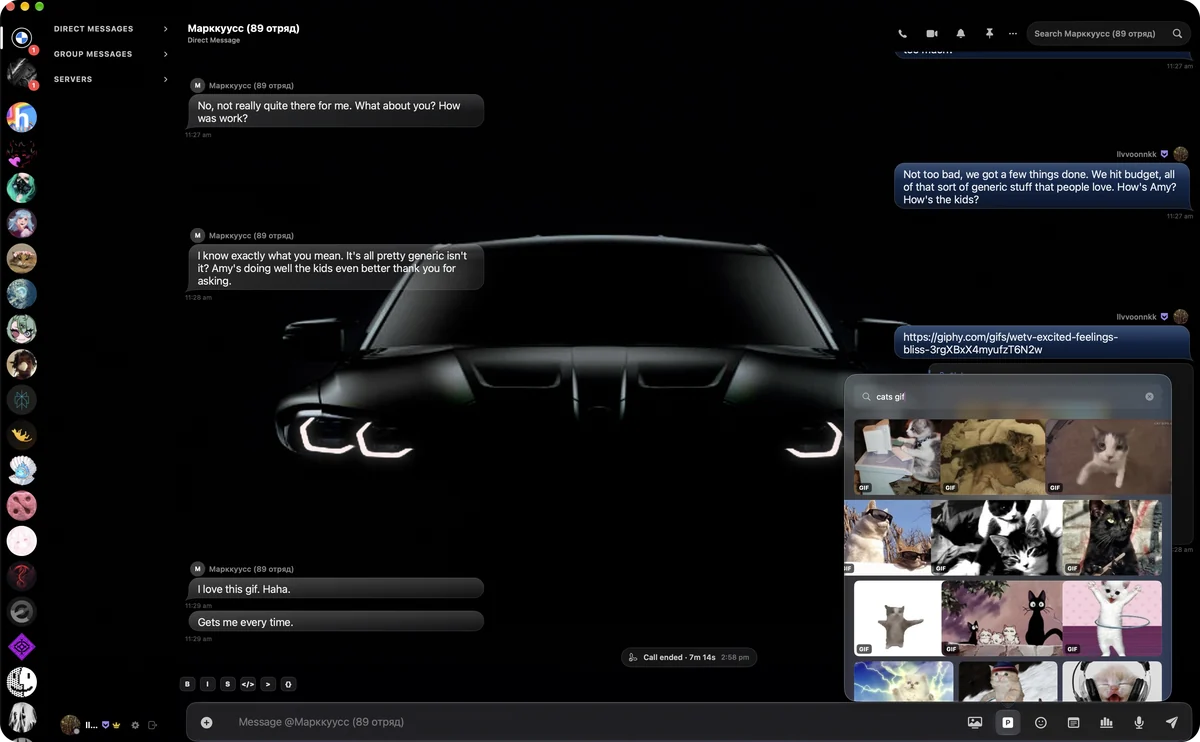
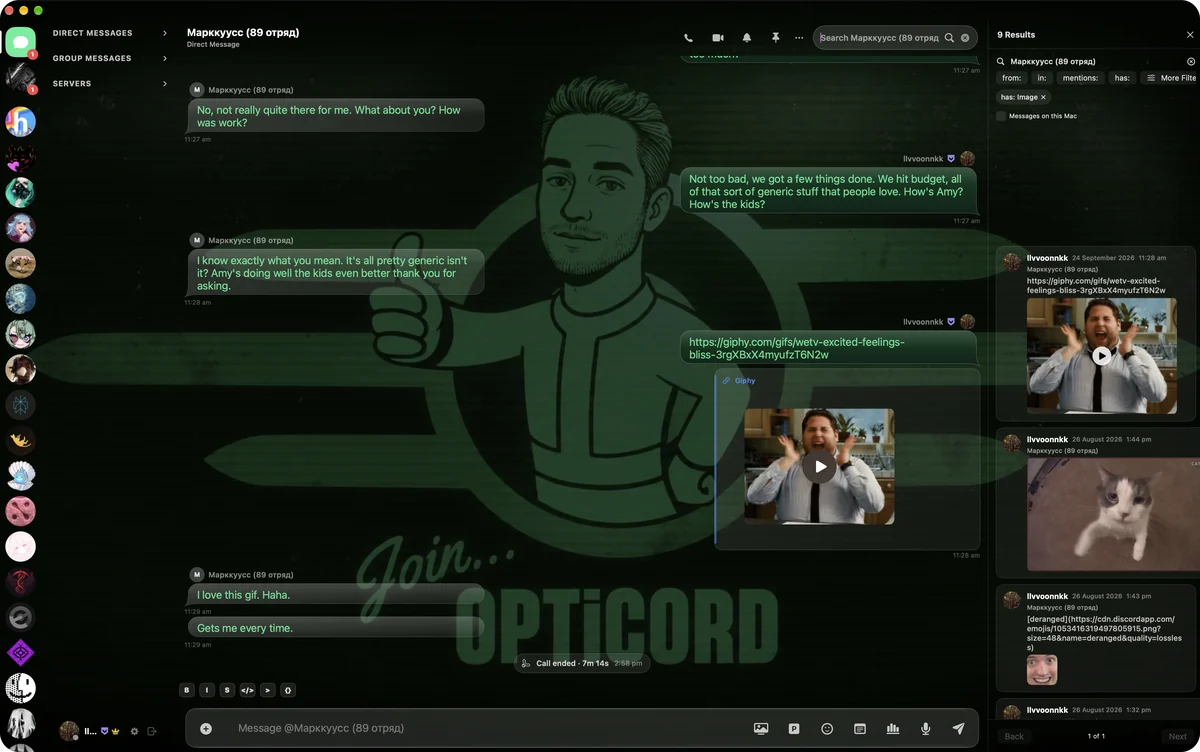
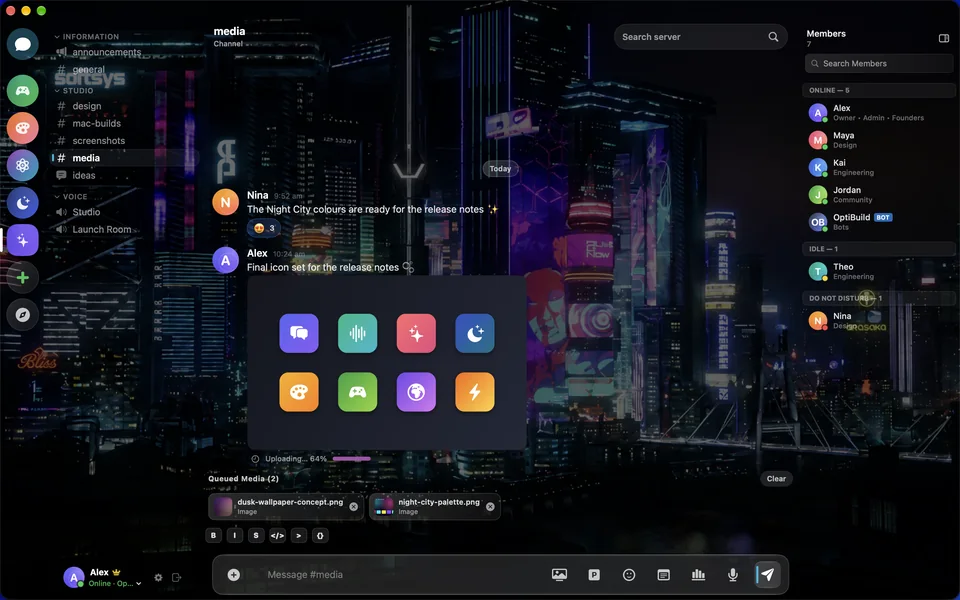
All of Pinterest, right in the message box. Search it without an account or a browser, and send any image or GIF straight into the chat.
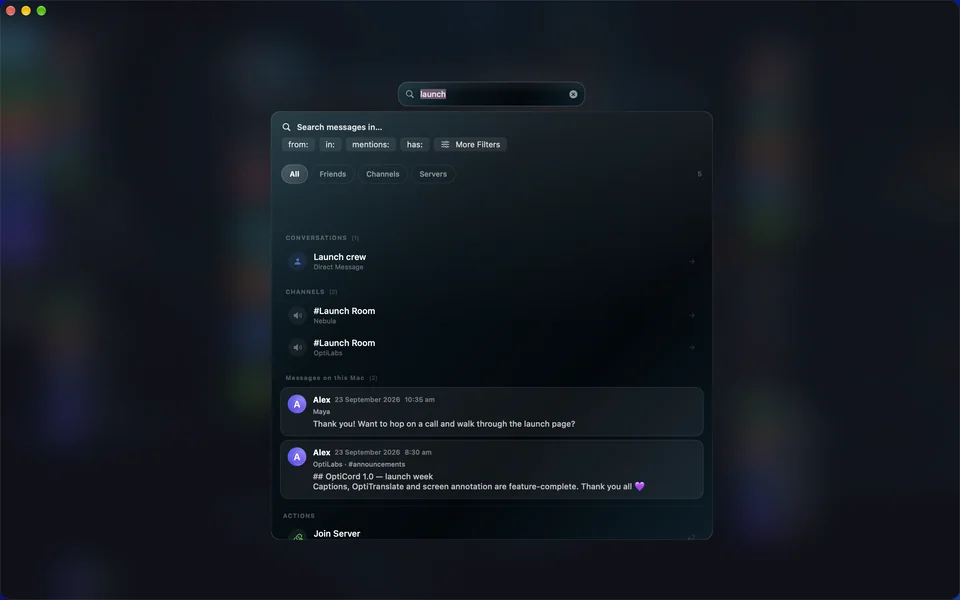
Search every DM and every channel. Filter by from, in, mentions and has, and tick Messages on this Mac to include everything stored locally.
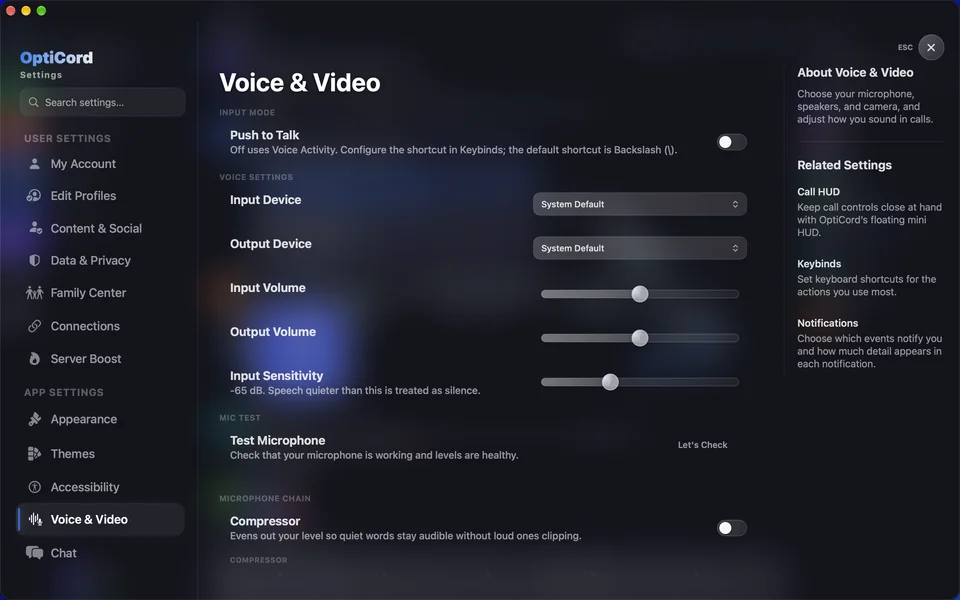
Studio-grade voice settings. Choose your mic and speakers, set levels and test your input. The compressor keeps quiet words audible without loud ones clipping.
Everything you use in Discord
- Servers, channels and Discover
- DMs and group chats
- Threads and forums
- Voice and video calls
- Screen sharing with sound
- Reactions, replies and forwarding
- Polls, stickers and GIFs
- Voice messages
- Pins and spoilers
- The Discord soundboard
What OptiCord adds
- OptiTranslate for calls and chats
- Live captions
- Drawing on your screen share
- Spatial audio rooms
- All of Pinterest in the composer
- Voice message transcripts you can scrub by word
- Lossless recording of your own mic
- Seventeen full-window themes
- Search across the messages on your Mac
- Pop-out windows and an offline outbox
Themes
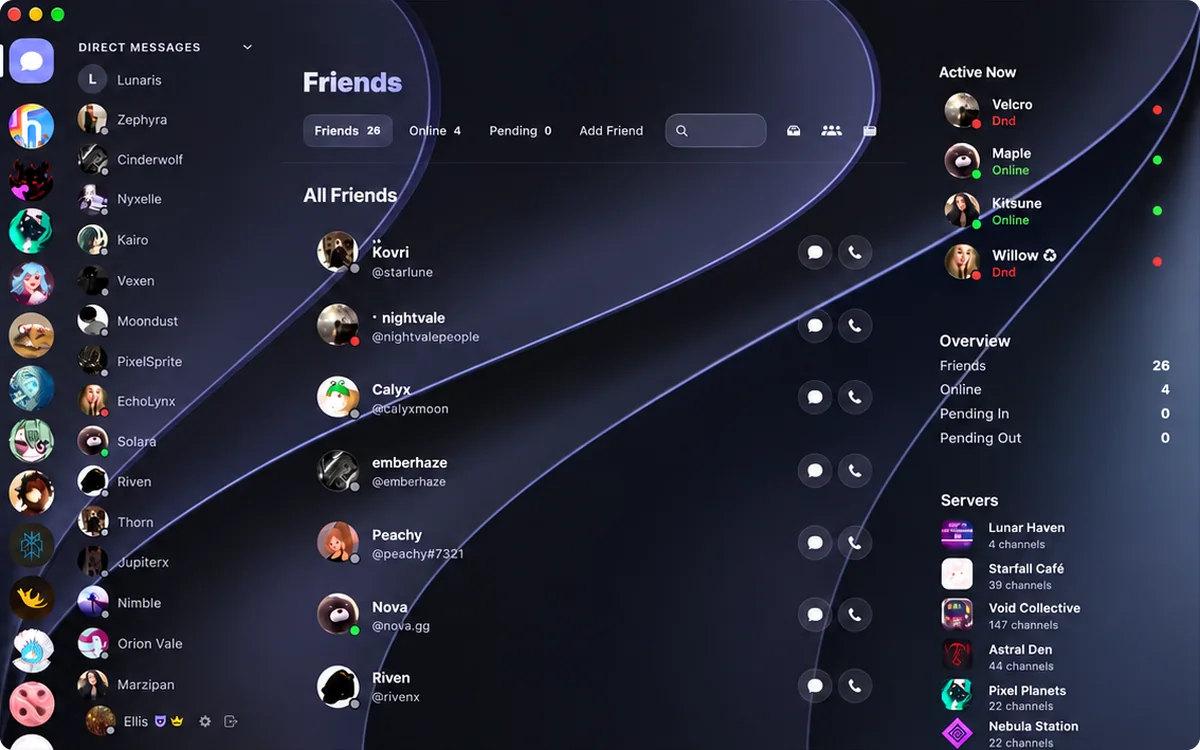
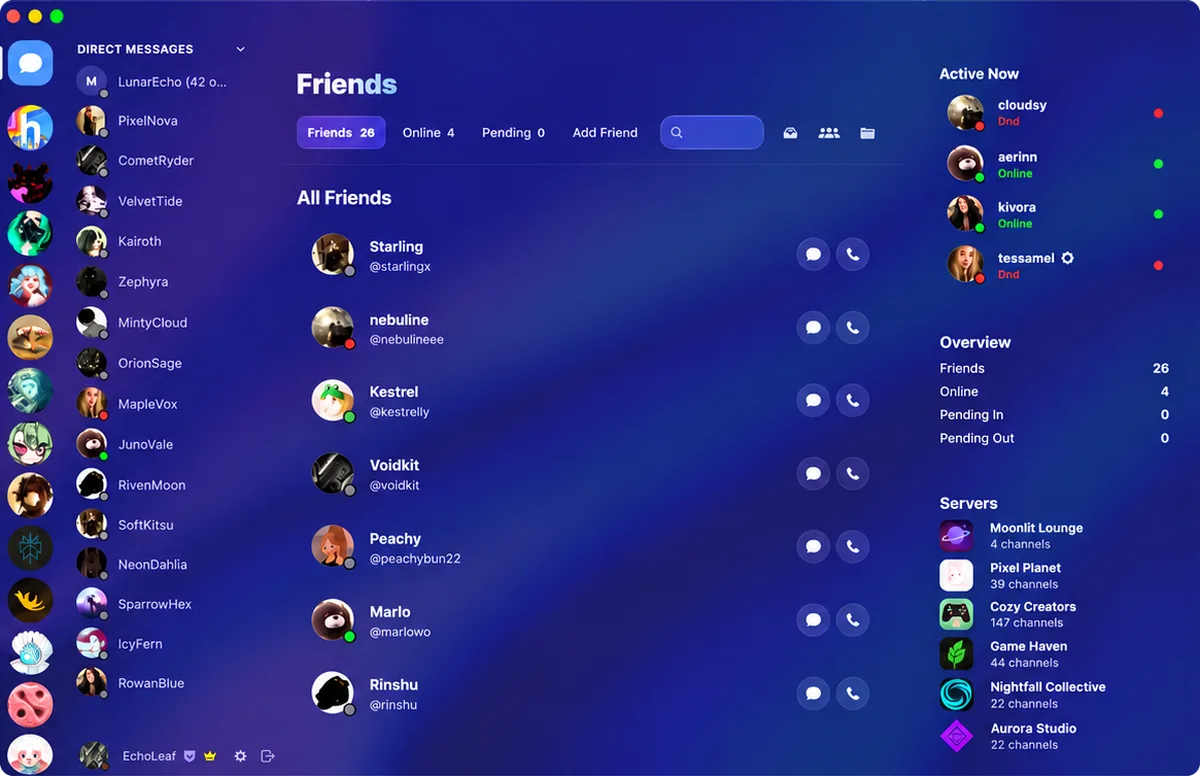
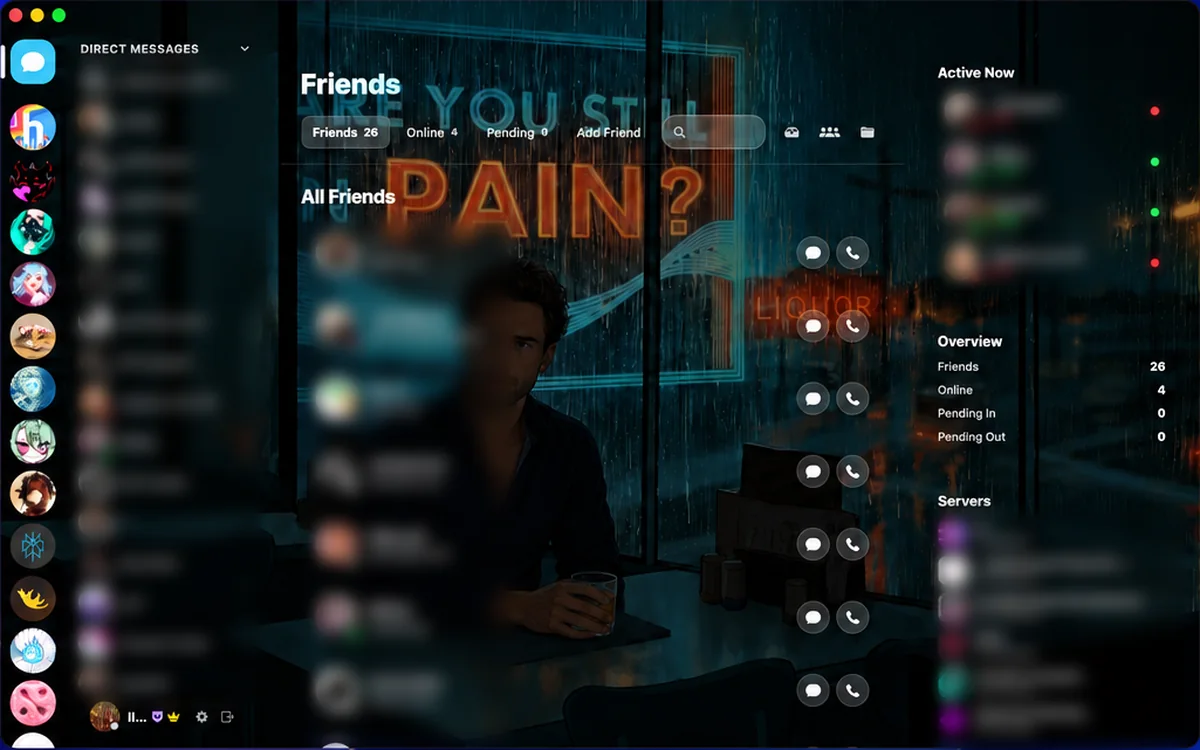
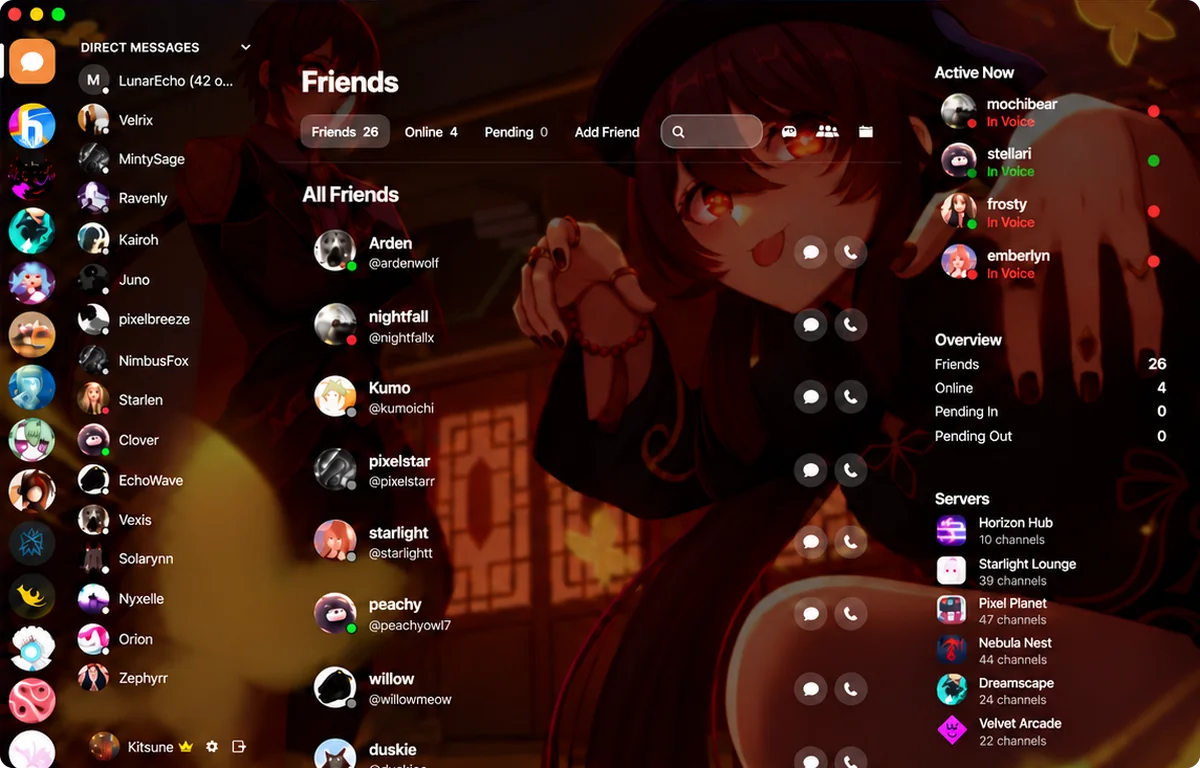
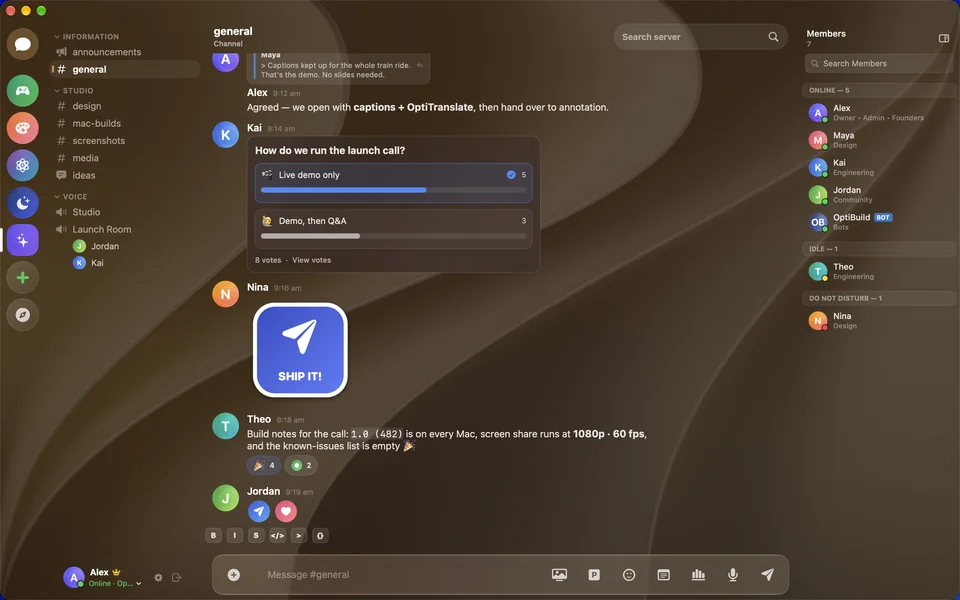
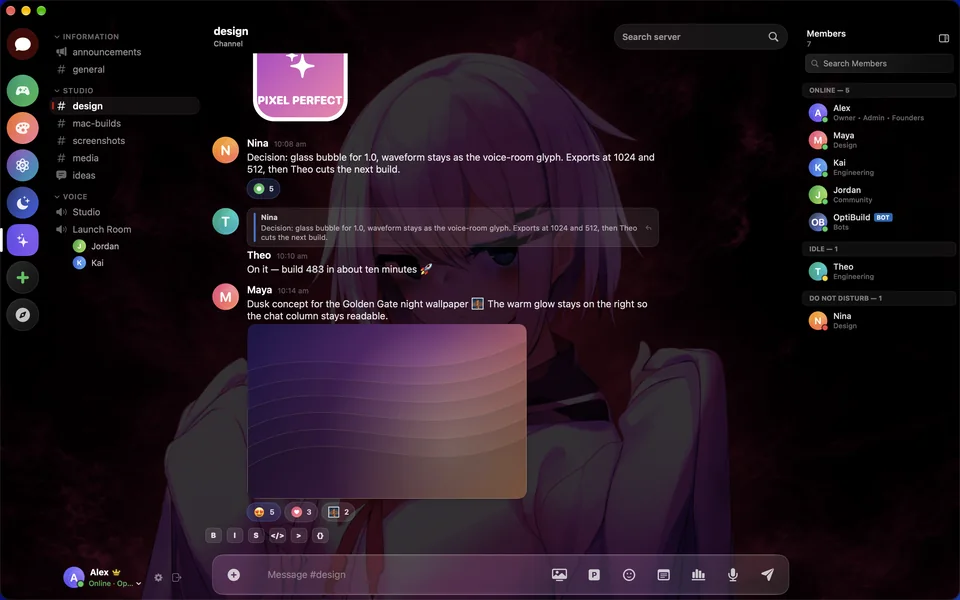
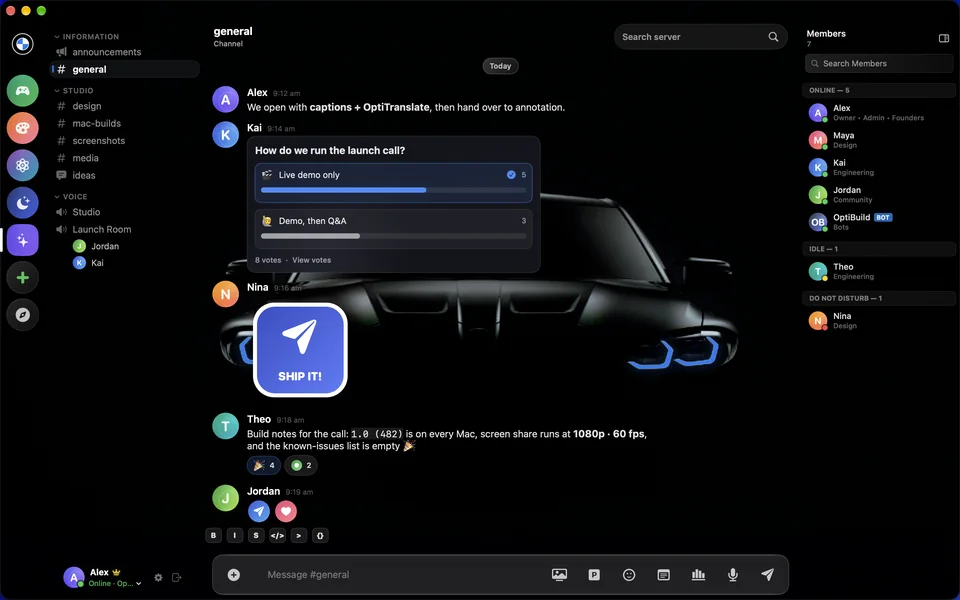
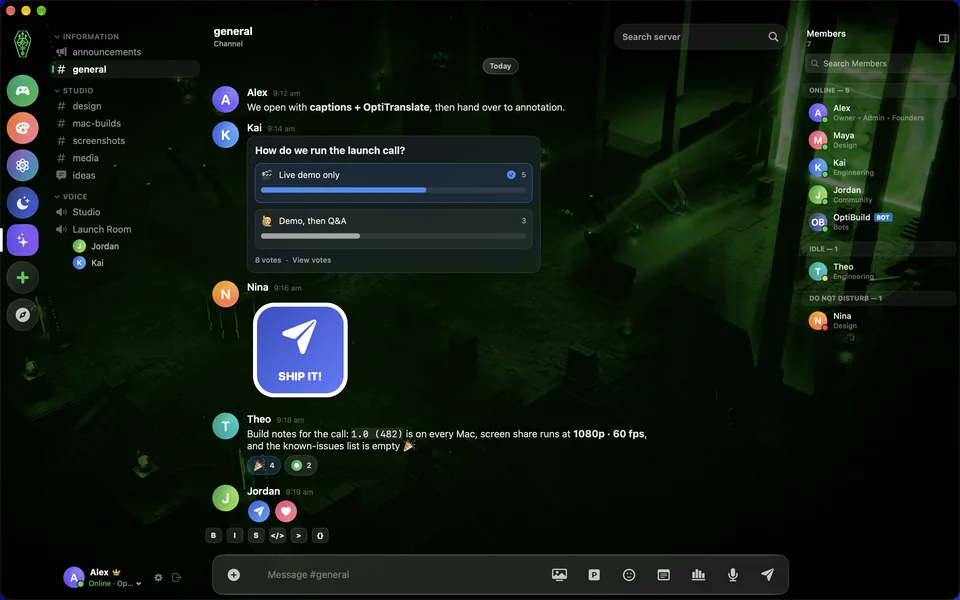
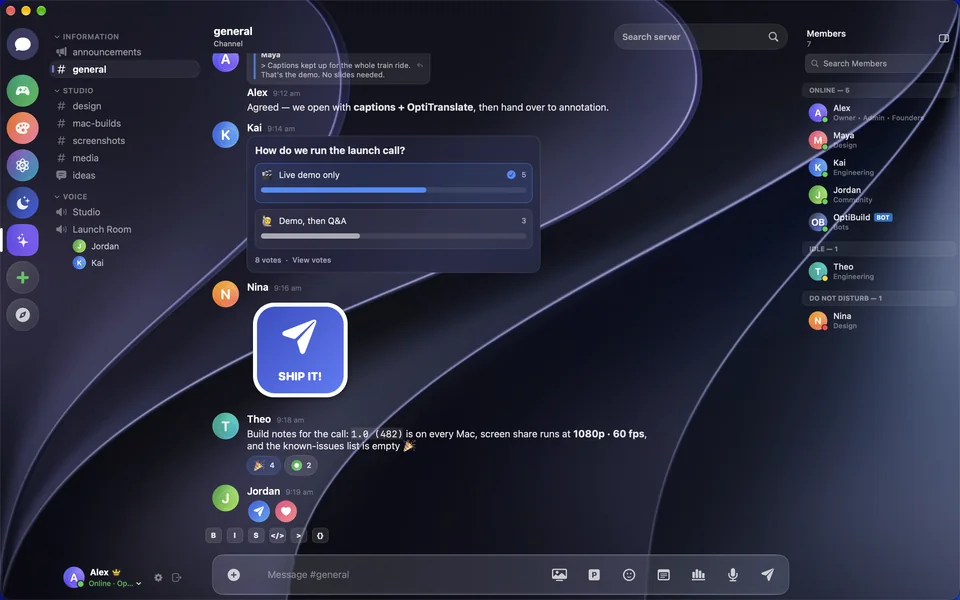
Seventeen themes. Pick a mood.
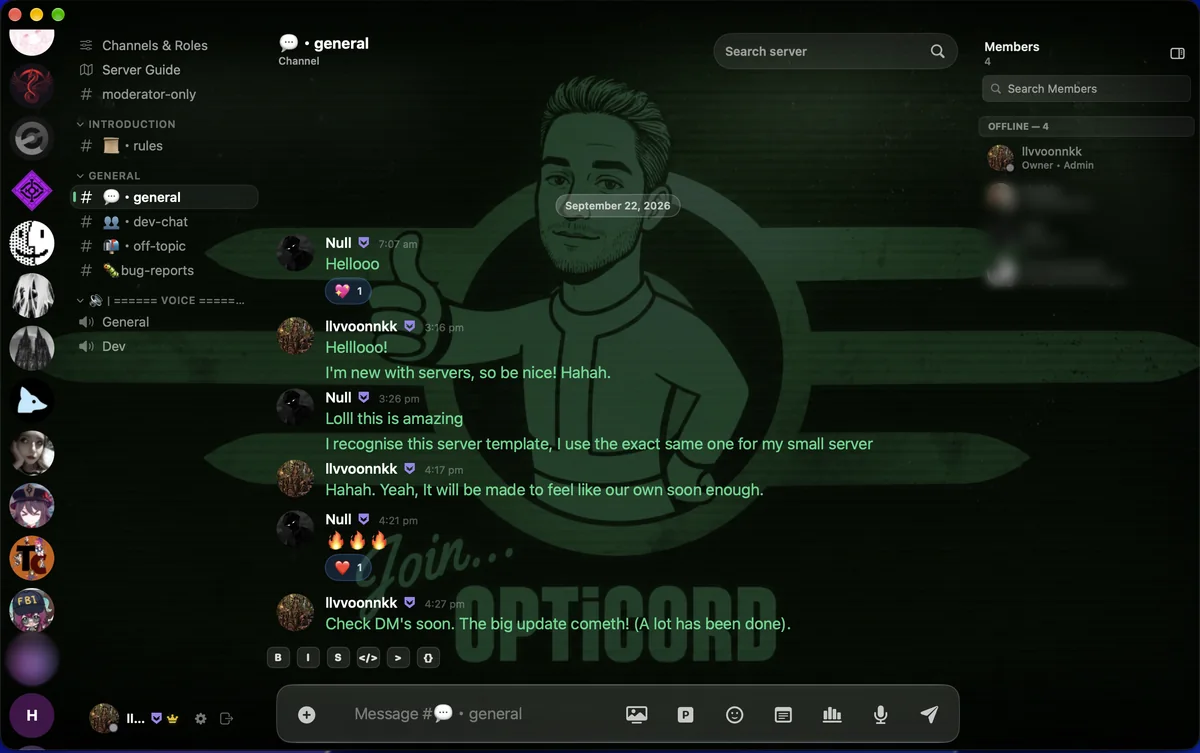
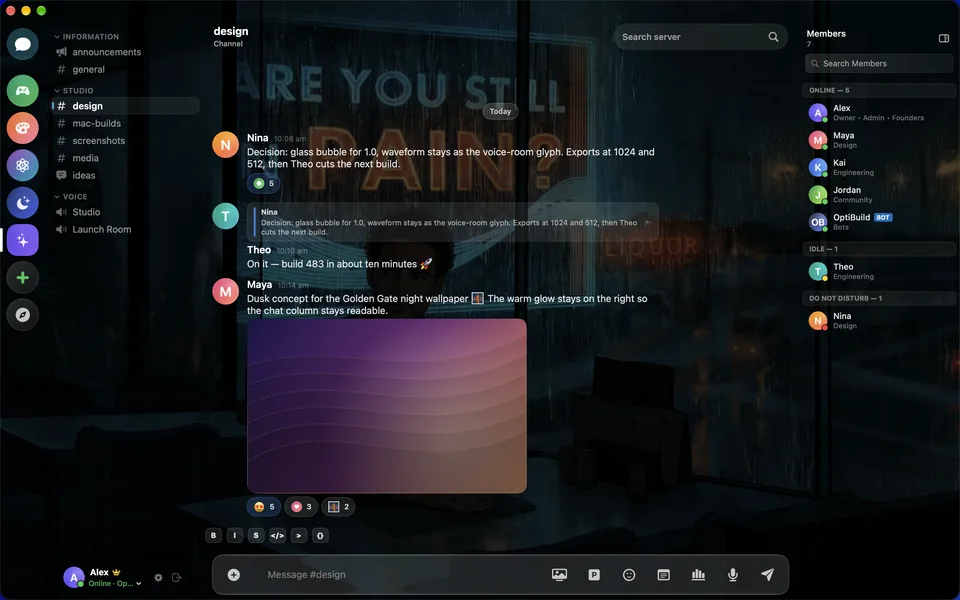
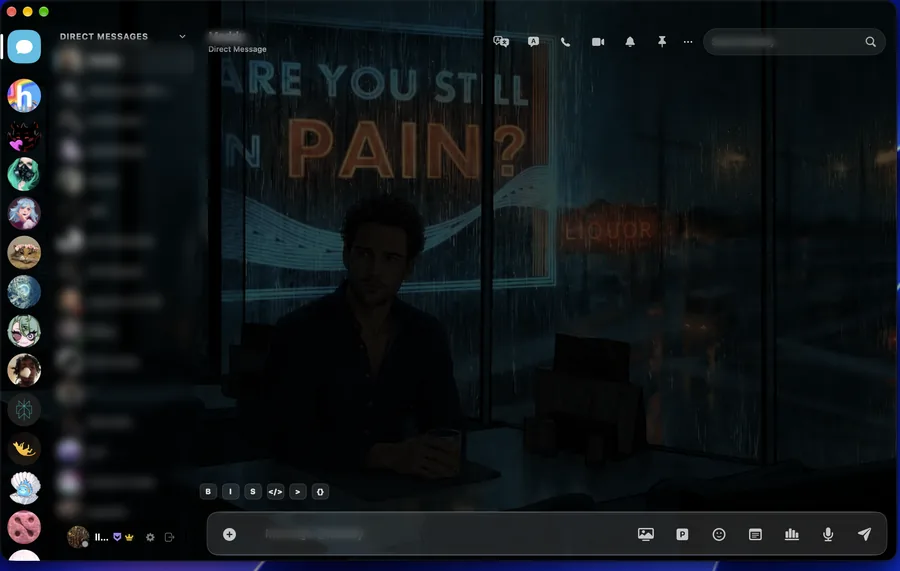
A theme changes the wallpaper, the glass and the accent colour together. Switch as often as you like. Your conversations stay exactly where they are.
Why OptiCord
Keep Discord. Upgrade everything else.
Your account, your servers and your friends come with you. This is what changes.
A real Mac app.
Written in Swift for Apple Silicon, with native windows, menus and keyboard shortcuts. There's no browser underneath.
Nobody has to switch.
Your friends stay on Discord and still get your calls, your screen, your drawings and your translations.
More in every call.
Live captions, OptiTranslate, annotation, the soundboard, clips and lossless mic recording, all on one bar.
Yours to style.
Seventeen themes, including the premium M and OptiCrons designs, each repainting the whole app.
Side by side
Same Discord. Better seat.
| Compared | OptiCord | Discord’s own app |
|---|---|---|
| Built with | Swift, SwiftUI and AppKit | Electron, with Chromium inside |
| Chat in another language | OptiTranslate, both directions | Not built in |
| Calls in another language | Translated captions in your share | Not built in |
| Live captions | On the call bar | Not built in |
| Search and send from the message box | Paste a link | |
| Windows | Pop out any DM or channel | Calls only |
| Search | Includes the messages on this Mac | The server's results |
| Writing offline | Sends when you're back online | Waits for a connection |
| Themes | Seventeen, each repainting the window | Colour themes |
Alternatives
Looking for an alternative?
Most people use Discord’s own app, a browser tab or a modded client. OptiCord replaces all three with a native Mac app, and your friends don’t have to change a thing.
- Discord’s app
- The browser
- Vesktop and Vencord
- BetterDiscord
- Legcord, WebCord and Dorion
- A translation bot
Discord desktop app alternative
Discord's own Mac app runs on Electron. OptiCord signs in to the same account in a native Swift app, with real Mac windows, menus and keyboard shortcuts. Every way to run Discord on a Mac, compared.
Discord in the browser alternative
A tab gives you Discord and nothing more, and it's easy to lose. OptiCord gives any DM or channel its own window, searches the messages stored on your Mac and keeps an offline outbox.
Vesktop and Vencord alternative
Vesktop wraps Discord's web app in its own Electron shell with Vencord's plugins inside. OptiCord is a native client, with translation, captions and drawing on your screen share built in.
BetterDiscord alternative
BetterDiscord injects themes and plugins into Discord's own app. OptiCord's seventeen themes are part of the app, each repainting the wallpaper, the glass and the accent colour, with nothing to inject.
Legcord, WebCord and Dorion alternative
Lightweight Discord clients still load Discord's web app in a browser engine. OptiCord rebuilds Discord natively in Swift, so there's no web page underneath.
Discord translation bot alternative
Translation bots only work in servers that have added them. OptiTranslate works in your own app. Their messages arrive in your language, yours go out in theirs, and on calls your words appear translated in your screen share. How to translate Discord messages and calls.
Questions
Straight answers.
What is OptiCord?
A native Mac app for your Discord account, written in Swift for Apple Silicon. It does everything Discord does, then adds live translation, drawing on screen shares, spatial audio, Pinterest in the message box and seventeen themes.
Do my friends need OptiCord too?
No. They stay on the regular Discord app and still get your calls, your screen, your drawings and your translations. They can share their screen straight back.
Do I sign in with my Discord account?
Yes. Your account, your servers and your friends come with you. There's no account with us.
Is OptiCord an Electron app?
No. It's written in Swift with SwiftUI and AppKit, with native windows, menus and keyboard shortcuts, and there's no browser underneath. Discord's own app is built on Electron.
How does translation work?
Turn on OptiTranslate in a conversation and their messages arrive in your language while your replies go out in theirs. On a call it captions what you say, translates it as you talk and places it in your screen share, so anyone watching in Discord can read along.
Can the people watching see my drawings?
Yes. Circle it, cross it out, point at it. Your marks appear on their screen while you draw, and they never leave Discord.
How does spatial audio work?
Open Voice & Video during a call, set Spatial Audio to Manual Room and drag people to wherever you want to hear them. Put your headphones on and the call surrounds you.
What's on the call bar?
Live captions, OptiTranslate, the soundboard, annotation, clips and a lossless recording of your own mic. You can share the whole screen or one app, with its sound.
Can I send images from Pinterest?
Yes. All of Pinterest sits in the message box. Search it without an account or a browser and send any image or GIF straight into the chat.
Does it work offline?
You can keep writing without a connection, and your messages send as soon as you're back online. Search can also include every message stored on your Mac.
What does it require?
An Apple Silicon Mac running macOS 15 or later. There's no Intel version.
How do I buy and activate OptiCord?
Pay €29.99 with PayPal on this page. It then gives you the download and a one-time activation link. Install OptiCord, click the link, and OptiCord activates itself on that Mac. There's nothing to type. One purchase is a lifetime licence for one Mac, and updates arrive inside the app.
Is OptiCord made by Discord?
No. OptiCord is an independent app from OptiTools, and we're not affiliated with, endorsed by or sponsored by Discord. Discord is a trademark of Discord Inc.
Get OptiCord.
€29.99one-time
Pay once and it’s yours on one Mac. No subscription, no account with us. After payment you get the download and a one-time activation link. Click it on your Mac and OptiCord activates itself.
CheckoutPayPal · EUR
Loading PayPal…
Payment completeOne Mac
- Download and install. Open the DMG and drag OptiCord into Applications. On first launch, right-click it and choose Open.Download OptiCord
- Activate this Mac. With OptiCord installed, click the link below. OptiCord opens and activates itself.Activate OptiCord on this Mac
Keep this link and your PayPal receipt. The link activates one Mac. Your code:
By buying you accept the OptiCord Terms of Service. See also the Privacy Policy.
- Apple Silicon
- macOS 15 or later
- One Mac per licence